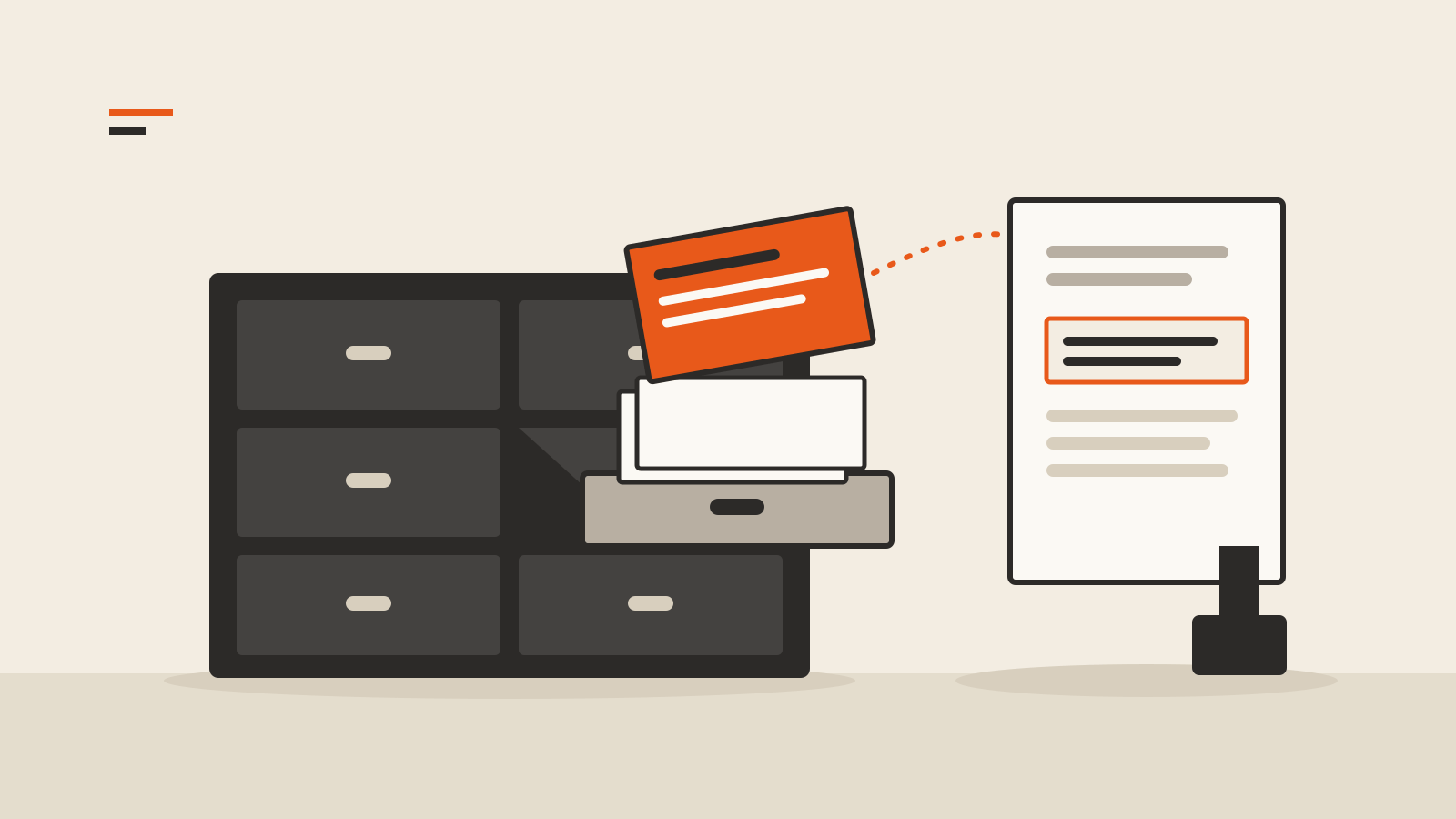
A company adds an assistant to its help center. A customer asks how long a refund takes, and the assistant answers with the exact policy and a link to the page it came from. The model behind it was never trained on that company’s policies. It was handed the right paragraph a moment before it answered. That handoff is retrieval-augmented generation, usually shortened to RAG, and it sits behind most tools that promise to answer “from your documents.”
This guide explains how the method works, where it breaks and what to check before you trust an answer built on it.
Two kinds of memory
The term comes from a 2020 research paper, Retrieval-Augmented Generation for Knowledge-Intensive NLP Tasks, by researchers at Facebook AI Research, University College London and New York University. They described a language model as having “parametric memory”: knowledge stored in the model’s weights during training. The authors listed its downsides. Such a model cannot easily expand or revise what it knows, gives little insight into where an answer came from and may produce “hallucinations.”
Their fix was to add a “non-parametric memory”: a separate, searchable index of text, in their case Wikipedia. For each question, a retriever finds the most relevant passages and the model writes its answer conditioned on them. The paper notes two practical benefits. What the system knows can be revised by changing the index rather than retraining the model, and the passages it used can be inspected.
The products built on the idea today are simpler than the paper’s jointly trained system, but the division of labor is the same: search first, then write from what was found.
How a typical RAG pipeline works
Anthropic’s primer on retrieval describes the common setup in two phases.
Before any question is asked, the documents are prepared:
- The collection is split into chunks, “usually no more than a few hundred tokens” each.
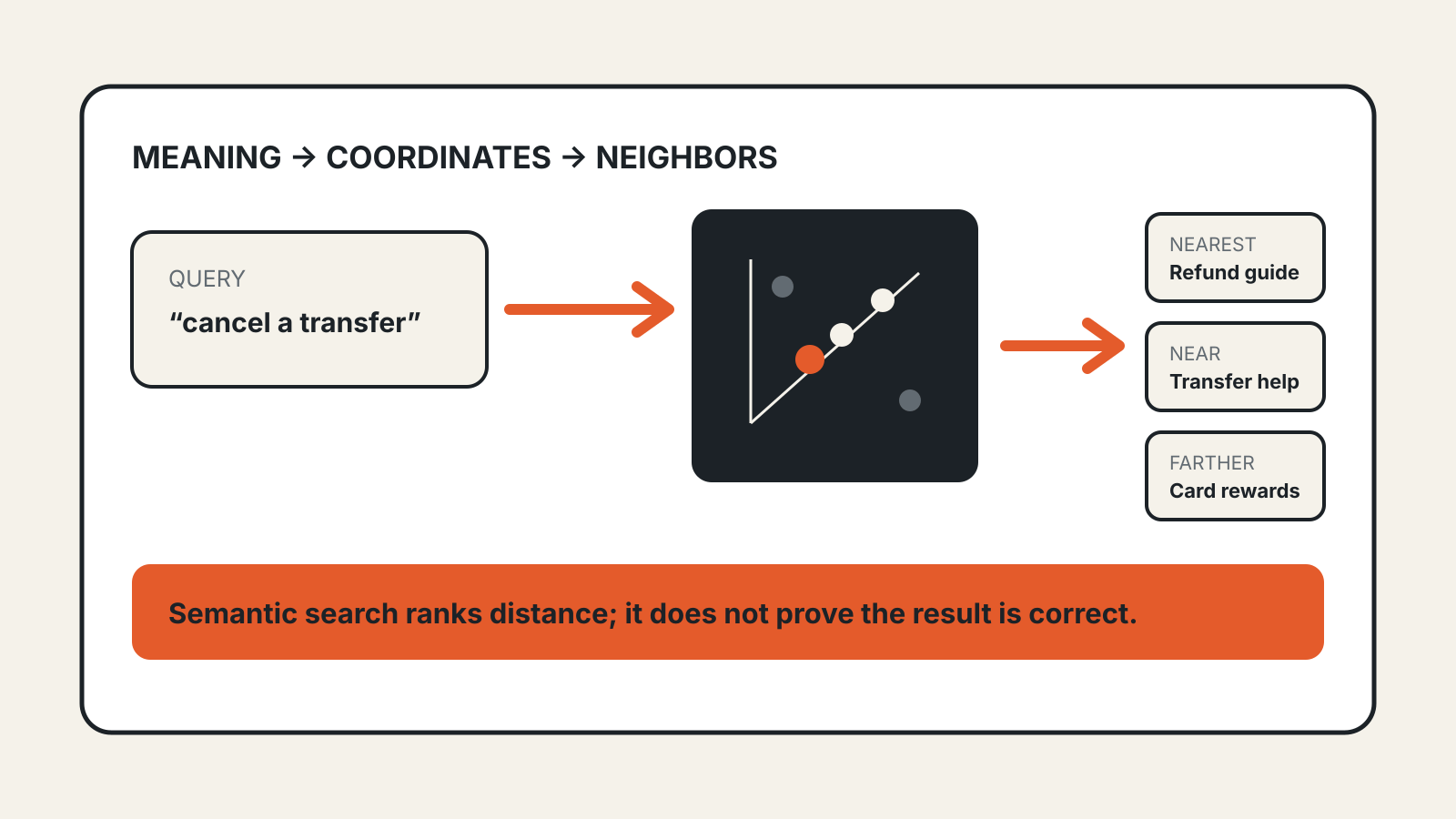
- An embedding model turns each chunk into a vector, a list of numbers that encodes its meaning.
- The vectors go into a vector database that can be searched by similarity of meaning.
When a question arrives, the system converts it the same way, finds the chunks closest in meaning and adds them to the prompt sent to the model. The model then answers with those passages in view. Tokens and the limits of what a model can keep in view are covered in our context window explainer.
Meaning-based search has a weak spot: exact strings. Anthropic’s example is an error code. A question about “Error code TS-999” may pull up general material about error codes and miss the one page that names TS-999. Many systems therefore add keyword search, often with a ranking method called BM25, and merge the two result lists.
Commercial tools package these steps. OpenAI’s file search guide says its tool retrieves from uploaded files through both semantic and keyword search. Its API reference gives the default chunking: pieces of up to 800 tokens, with 400 tokens of overlap between neighbors. Developers can change these settings.
Where RAG goes wrong
Each step can fail, and a failure early in the chain still produces a fluent answer at the end.
The search misses. If the passage that answers the question is not among the chunks retrieved, the model never sees it. It may say it cannot find the answer, or it may answer from its training data instead. Our explainer on why AI hallucinates covers what happens when a model fills that gap with a guess.
The chunk loses its context. Splitting a document can separate a sentence from the facts that give it meaning. Anthropic’s example is a chunk from a company filing that reads “The company’s revenue grew by 3% over the previous quarter.” On its own, the chunk names neither the company nor the quarter, so it is hard to retrieve for the right question and easy to misuse for the wrong one. Anthropic’s proposed fix, which it calls contextual retrieval, adds a short explanation to each chunk before indexing. In its own tests, it says the method cut failed retrievals by 49%, and by 67% when combined with a reranking step. Those are the vendor’s figures from its own benchmarks, not an independent measurement.
The index is out of date. RAG answers from what is in the index. A policy changed last week is still wrong in the answers until the new version is indexed and the old one removed.
Too many passages, or the wrong ones. Adding many chunks to every prompt gives the model more material, including near-misses that look relevant but are not. The model has to choose between passages that may disagree.
RAG or just a longer prompt?
RAG is not always necessary. Anthropic’s guidance is that a knowledge base under 200,000 tokens, which it puts at about 500 pages, can be placed in the prompt in full, with no retrieval step. RAG is for collections too large to fit, or for cases where sending everything on every question would cost too much.
A larger prompt has its own problem: models do not use every part of a long input equally well. In the study Lost in the Middle, accuracy was usually highest when the relevant passage sat at the start or end of the input and dropped when it sat in the middle. RAG trades that problem for the risk of missing the passage altogether. Neither approach removes the need to check the answer.
How to check an answer built on your documents
These checks follow from how the pipeline works:
- Look for citations. A RAG answer should point to the passage it used. If the tool shows sources, open one and confirm it says what the answer says.
- Test with an exact term. Ask about a product code, clause number or name that appears in only one document. If the tool cannot find it, keyword search may be missing.
- Ask a question the documents cannot answer. A well-built assistant should say the information is not there. One that answers anyway is drawing on something other than your files.
- Check the date of the source. If two versions of a policy are indexed, the answer may quote the old one.
- Ask who can see what. An assistant connected to shared drives or an inbox retrieves from whatever it can read. Our guide to giving an AI agent access to your inbox covers what to grant and what to keep back.