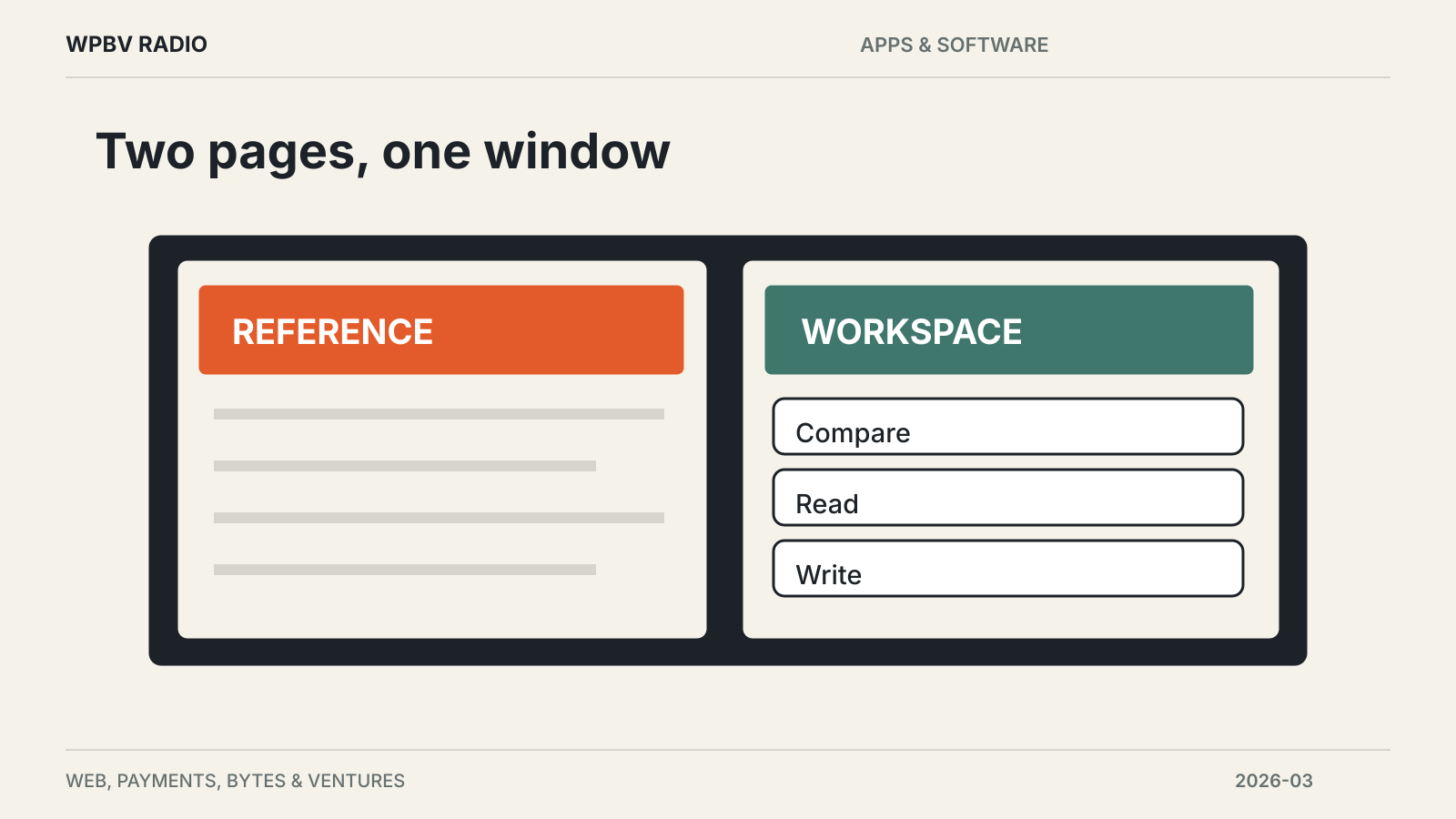
Mozilla released Firefox 149 on March 24 with Split View, letting users place two pages beside each other inside a single browser window. The release also begins a gradual rollout of a free built-in VPN in the United States, United Kingdom, Germany and France. Signing in is required, and Mozilla lists a 50 GB monthly allowance.
The Firefox 149 release notes distinguish the VPN’s progressive rollout from the browser update itself. Installing the new version does not mean every user will see the feature immediately.
Split View keeps comparison work in one window
Users can select tabs and choose the Split View action to display two pages together. It is a practical addition for comparing documents or keeping a reference visible while working on another page.
Mozilla also lists faster loading for many PDF files through hardware acceleration. Translation support expands to Bosnian, Norwegian Bokmål, Serbian and Thai, with improvements for Croatian.
The release includes a separate experimental feature in Firefox Labs: short notes attached to a web page. That could help explain why a tab was left open, although a Labs feature should be evaluated separately from the main release’s everyday tools.
The VPN protects browsing within Firefox
Mozilla describes the built-in service as routing Firefox browsing through a secure proxy to hide the user’s location and IP address. It can be switched off for specific websites. That scope matters: the announcement describes browser protection, not a promise to route every application on the device.
The initial country list and monthly allowance also limit the launch. Organizations using enterprise policies are outside the normal rollout, according to Mozilla’s notes.
Firefox 149 changes another security behavior as well. When SafeBrowsing flags a website as malicious, Firefox automatically blocks its notifications and revokes notification permission. This addresses sites that use background notifications for spam or phishing.
The update therefore combines visible workspace improvements with changes a user may never see directly. The most useful first check is whether Split View fits the way you work and whether the VPN option has actually reached your account and region.
Read further browser coverage at the Apps & Software desk.