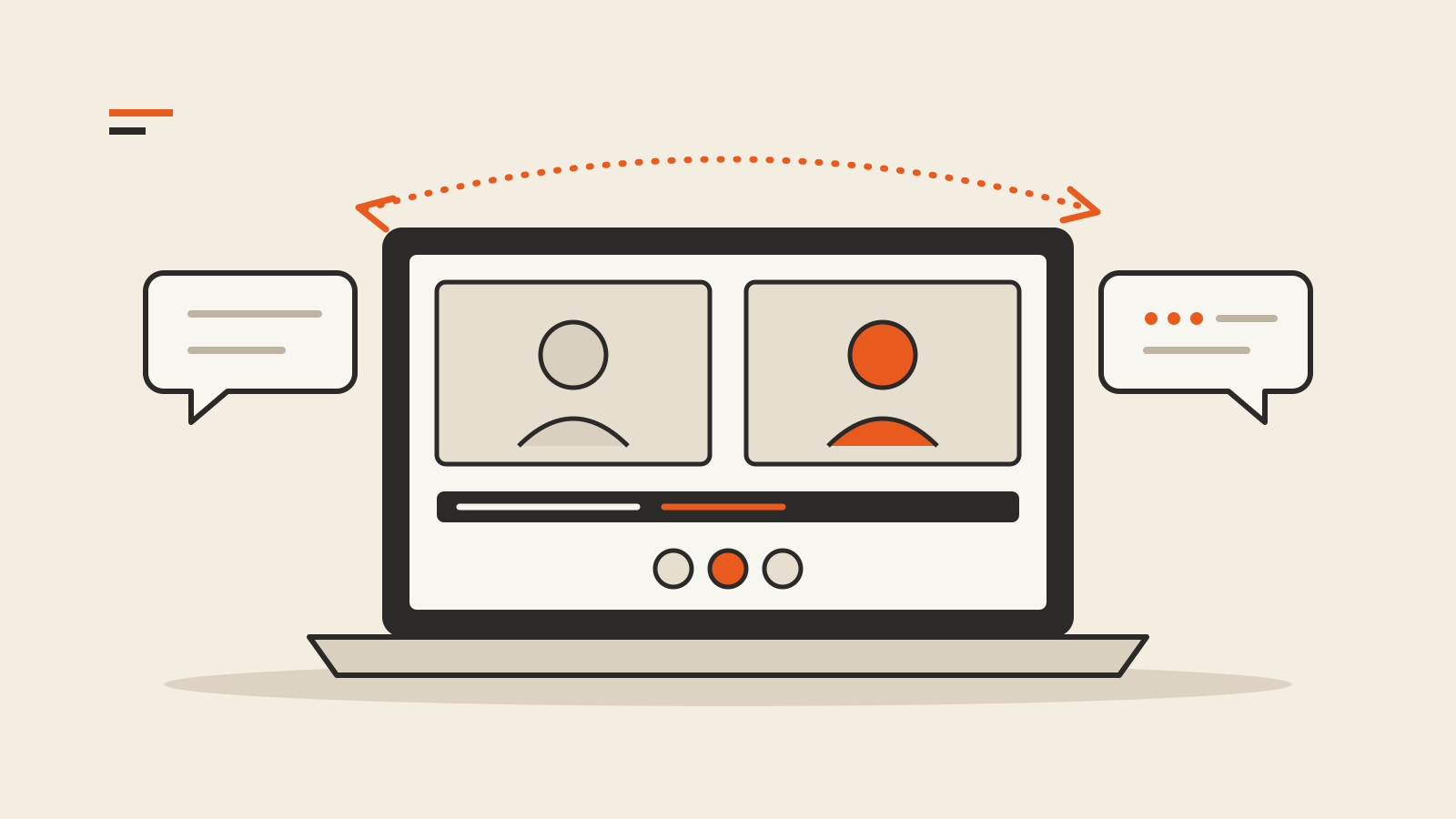
Google Meet’s speech translation now works across 63 languages and detects which language a speaker is using, Google announced on October 22, 2026. Participants can translate between any combination of those languages in the same meeting, instead of setting a single language pair for the whole call.
According to the Google Workspace Updates post, the feature runs on Gemini 3.5 Live Translate and is available on the web, on Android and iOS, and, for listening only, on Google Meet hardware in conference rooms.
What changes in a meeting
Until now, speech translation in Meet covered a limited set of language pairs, and the pair had to be configured for the entire meeting. Google lists three changes:
- Automatic language detection. Meet recognizes the language being spoken and translates it into each listener’s preferred language in near real time, including when several languages are used in one call or a speaker switches languages.
- Individual controls. Each participant turns translation on for themselves from the meeting toolbar, and can list languages they already understand so those are left untranslated.
- Matching captions. When translation is on, captions follow the translated audio.
In practice, a team in São Paulo, Berlin and Seoul no longer has to agree on one pair before the call starts: each person picks what they want to hear.
Who gets it, and for how long
Translation is available to everyone in a meeting, guests from other organizations included, when the organizer has an eligible Google Workspace or Google AI plan. In a one-to-one call it works for both people if either has an eligible plan.
Google lists these eligible plans: Business Standard and Plus; Enterprise Standard and Plus; Frontline Plus; Google AI Pro and Ultra; Google AI Pro for Education; and the AI Expanded Access and AI Ultra Access add-ons.
There is a time cap per meeting: up to 90 minutes on eligible base Workspace plans and Google AI Pro, and up to 8 hours with AI Expanded Access, AI Ultra Access or Google AI Ultra.
Where it does not work
Google says speech translation is not available in live streams, meeting recordings, client-side encrypted meetings, dial-in or third-party interoperability calls, or when adaptive audio is in use. Speech from a conference room’s Meet hardware is not translated for remote participants, although people in the room can hear translated speech from others. Availability also depends on region and age restrictions.
On privacy, Google says users decide whether their own speech is translated for others, can change that in Meet settings, and that it “does not store voice data or train models on your voice.”
Machine translation of live speech can still miss names, figures and technical terms. For a contract number or a delivery date, a written follow-up remains the safer record; our explainer on why AI tools state wrong facts with confidence covers the broader habit of checking.
Rollout and admin settings
- Rapid Release domains: full rollout starting October 22, with the feature visible within one to three days.
- Scheduled Release domains: gradual rollout starting November 2, taking up to 15 days.
For eligible editions, speech translation is on by default when the Gemini for Meet admin setting is enabled. Administrators can turn it on or off by organizational unit or group in the Admin console under Apps > Google Workspace > Google Meet > Gemini settings. For participants, translation is off at the start of every meeting until they switch it on. Mobile users need to update the Meet app.