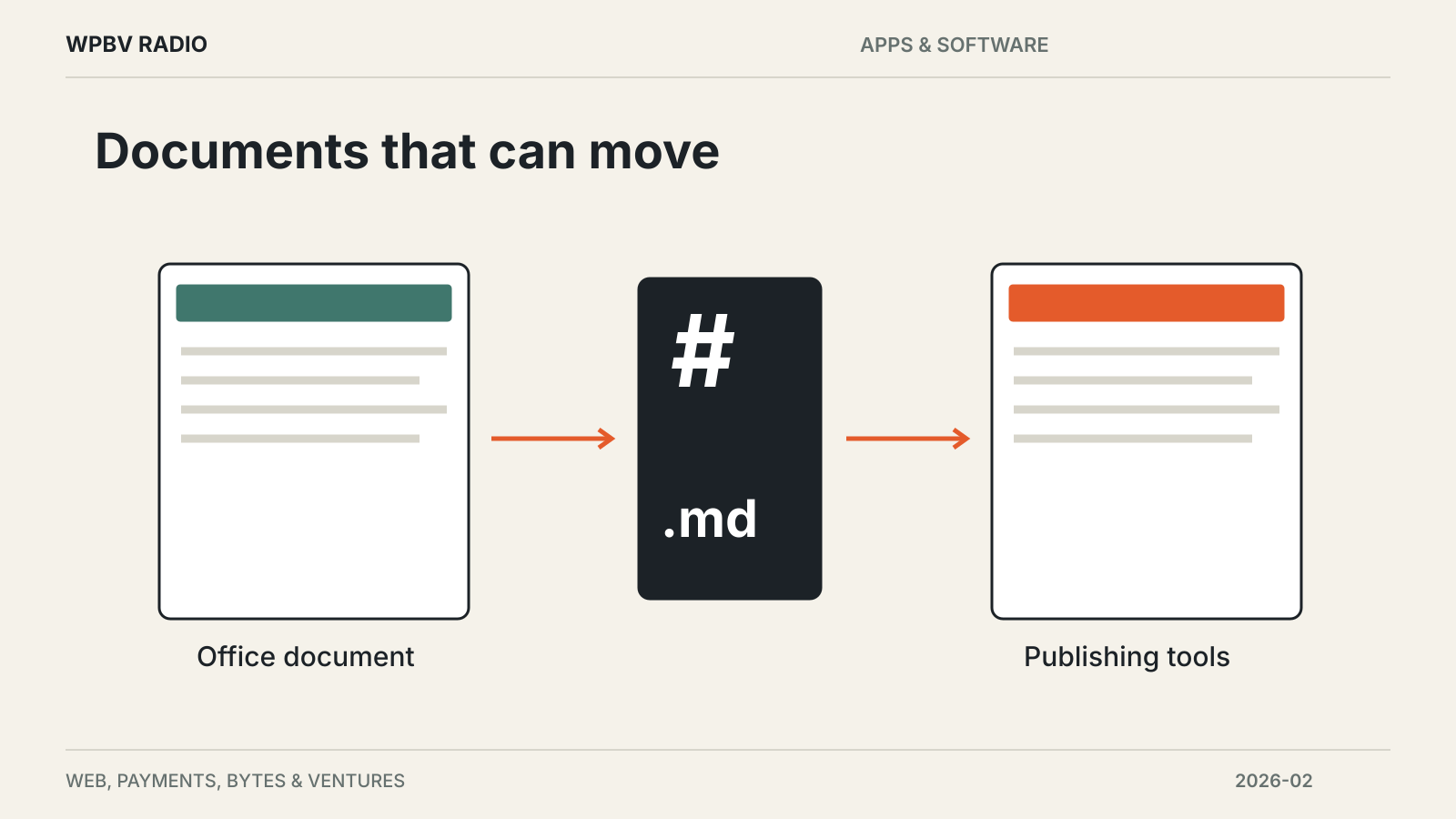
The Document Foundation released LibreOffice 26.2 on February 4, adding Markdown import and export to its free office suite. The release also includes compatibility fixes, interface refinements and performance work aimed at large documents. It is available for Windows, macOS and Linux, giving users another route between formatted office documents and plain-text publishing workflows.
The launch announcement puts everyday editing at the center of the update. The foundation describes smoother opening, editing and saving of large files, but does not supply a universal speed improvement that would apply to every document.
Markdown makes another workflow possible
Markdown support matters when a document needs to move between a word processor and a text-based publishing system. Headings, links and basic formatting can be represented in a readable text file, which is useful for documentation and website content.
It also introduces a sensible test before switching a real workflow. A document with complex tables, comments or carefully positioned elements may depend on features that a simpler format cannot express in the same way. Exporting a representative file and opening it in the destination application reveals more than checking that an export option exists.
The same reasoning applies to the release’s compatibility improvements. Better handling of files from other office suites is useful, while critical documents still deserve a round trip through the software used by colleagues or clients.
The release remains a desktop office suite
LibreOffice 26.2 does not require a subscription to use the suite. The foundation says the release supports more than 120 languages and includes hundreds of community-contributed fixes and refinements.
That makes the update relevant to individuals and organizations that want local document editing and control over their file formats. It does not, by itself, replace the collaboration, administration or support arrangements an organization may have built around another product.
The official release notes linked from the announcement provide the detailed change list. For a routine upgrade, start with the documents that cause the most friction today: a large spreadsheet, a shared report or a file regularly passed between different applications.
Find related coverage at the Apps & Software desk.