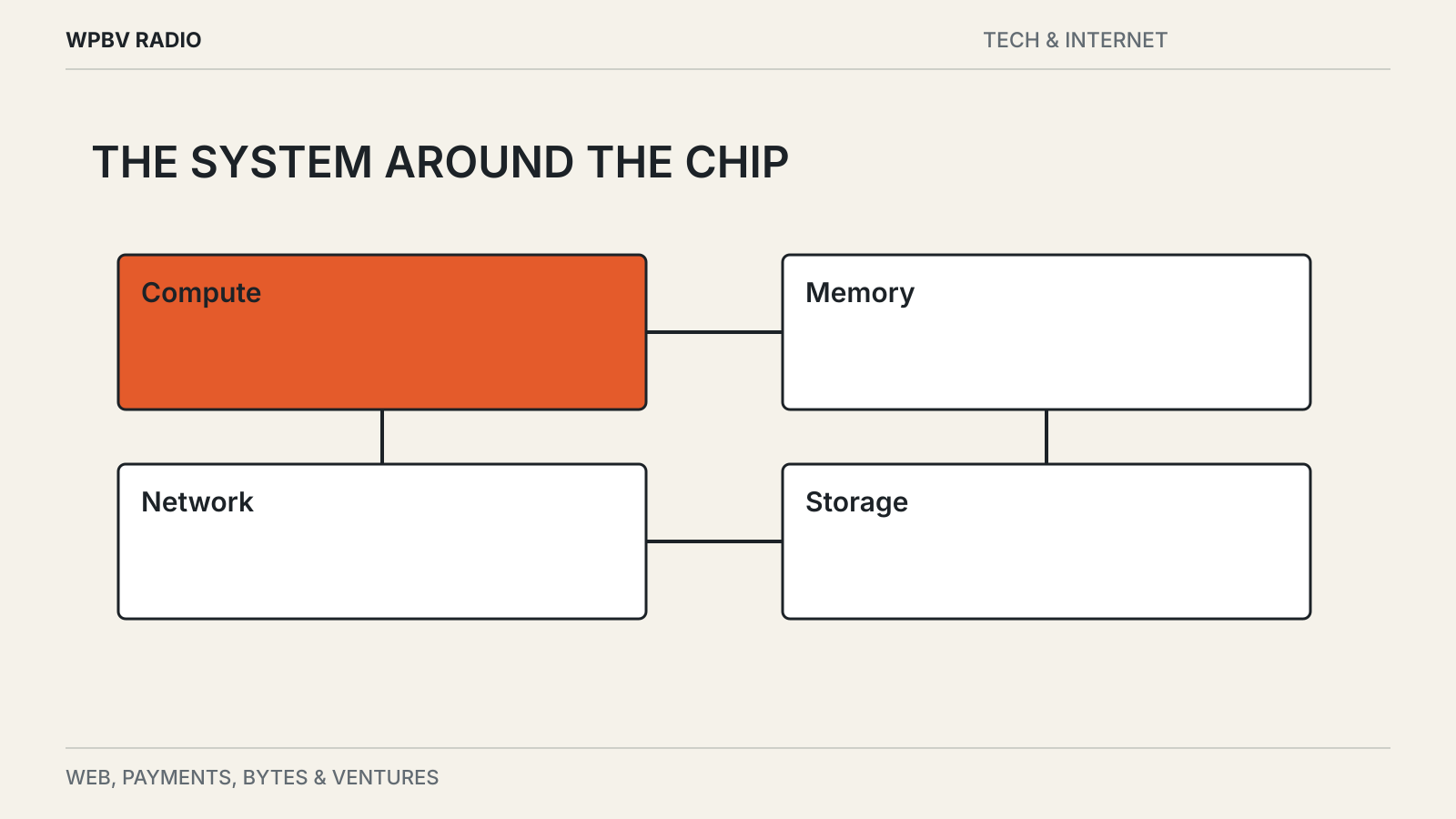
A powerful processor can spend time waiting. The model’s next operation may need data that has not arrived, memory that is already full or another processor that is still working.
That is why buying more chips does not automatically produce a proportionate improvement in an AI service. The system around the processors determines how much useful work they can do and how quickly a user receives a result.
Memory holds more than the model file
A model needs space for its parameters and for the working information created during computation. Longer inputs, more simultaneous requests and different numerical formats change that requirement.
If the required data does not fit in the available fast memory, the system must move it, divide the work or use a different configuration. Each option has consequences for speed, complexity and cost.
The same problem appears at a smaller scale on a laptop. Ollama’s runtime FAQ describes CPU and GPU loading and explains how context settings affect memory use. A model that fits comfortably for a short question may behave differently with a large document.
Data movement can become the limit
Processors need to exchange information when a model or workload spans several devices. The bandwidth and latency of those connections matter alongside the compute capacity.
NVIDIA’s NVLink overview describes an interconnect designed for communication between accelerated computing components. It is a vendor explanation of one technology, but it illustrates the broader point: a cluster is a communication system as well as a collection of chips.
A faster processor cannot finish a dependent operation before the required information reaches it. Improving the connection can therefore help a workload even without changing the arithmetic capability of each chip.
Training and serving ask different questions
Training adjusts a model using data. Serving, often called inference, uses a trained model to answer requests. Both need substantial infrastructure, but their operational goals can differ.
A training job may run for a long period and optimize total throughput across a large coordinated system. An interactive service must also care about the time a person waits for the first response and the pace at which the rest arrives.
Batching several requests can improve efficiency, but waiting to form a larger batch can add delay. A configuration that produces more total output may feel slower to an individual user. The right measure depends on what the service promises.
The rest of the request still exists
Before a model answers, an application may authenticate a user, retrieve documents, search a database or call another service. Afterward it may validate the result, format a document or save a record.
Those stages can dominate the experience for a particular task. A faster model does little for a workflow that spends most of its time waiting on a remote tool.
This is also why a demonstration with a short prompt can be misleading. It may omit document retrieval, permission checks, queues and the other steps present in a real product. Our benchmark guide explains how to evaluate the complete task.
Capacity is an operating problem
A service needs power, cooling, network capacity, storage and staff who can keep the system working. It also needs a way to assign requests to available resources without leaving expensive hardware idle.
Demand is rarely perfectly steady. A product launch can create a sudden queue, while quieter periods leave spare capacity. Providers must decide how much room to reserve and which work can wait.
For a customer comparing AI products, ask about the performance of your actual workload, the limits that apply and the behavior when demand rises. A chip name is useful context, but it is not a service-level promise.