HTTP 206 Partial Content means a server has successfully returned a requested portion of a file. A download can therefore receive a successful response without receiving the whole resource in that particular request.
This is useful when a media player jumps to another point in a video, a download manager resumes an interrupted transfer, or a data tool needs a small part of a large file. The important question is whether the response contains the correct bytes from the correct version of that resource.
Documentation reviewed October 31, 2026. This explainer follows MDN’s HTTP range-request documentation; the examples below are illustrative protocol exchanges, not measurements of a live service.
What HTTP 206 means
A client can include a Range header in a request to ask for particular byte positions. When the server honors a satisfiable range, it sends 206 Partial Content with that portion in the response body. MDN’s 206 reference classifies it as a successful response.
The word “partial” describes the scope of the requested data. It does not, on its own, mean the connection broke or the file is damaged. If a player asks for one section of a video and receives that section, the request has done its job.
A partial response also does not prove the entire download is complete. The client still needs the other required ranges, or an existing local copy of them, before it can reconstruct the full file.
Read the byte positions
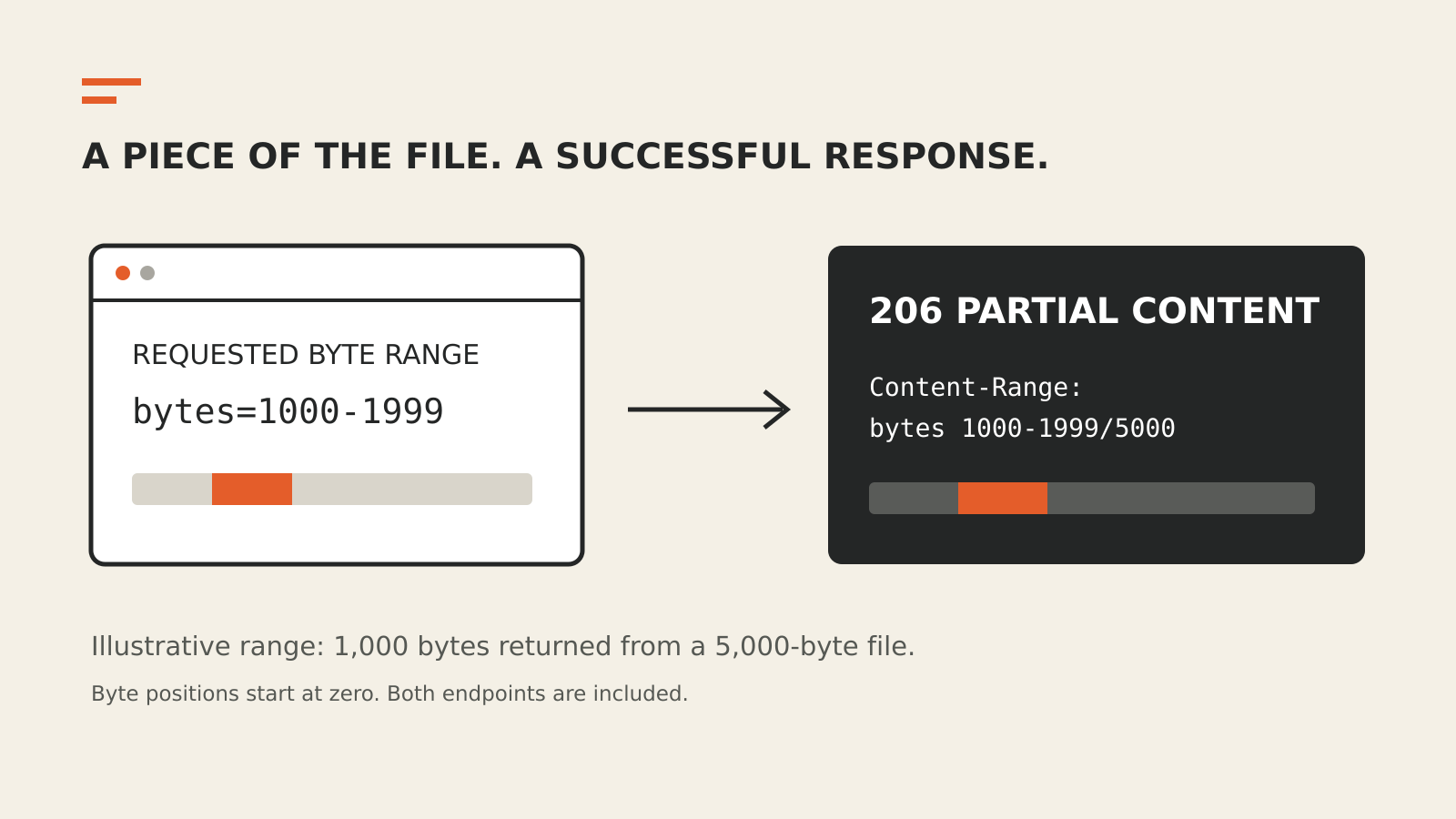
Consider an illustrative file that is 5,000 bytes long. Its byte positions run from 0 through 4,999. A client that wants the next 1,000 bytes after the first 1,000 can send:
GET /download.bin HTTP/1.1
Host: example.com
Range: bytes=1000-1999
The start and end positions are inclusive. The requested length is therefore 1,999 minus 1,000 plus one, which equals 1,000 bytes.
A corresponding single-range response could begin:
HTTP/1.1 206 Partial Content
Content-Type: application/octet-stream
Content-Range: bytes 1000-1999/5000
Content-Length: 1000
Here, Content-Length describes the body of this response. The total file size appears after the slash in Content-Range. Confusing those two numbers can make an ordinary partial transfer look like an unexpectedly small file.
MDN’s range-request guide describes the same division: the response tells the client both how much data arrived and where it belongs in the complete resource.
How resuming a download works
Suppose a download stops after the client has stored a prefix of the file. If the server supports range requests, the client can ask for the remaining bytes instead of starting the transfer again.
That requires more than remembering a byte offset. The client must also avoid joining the beginning of an older file to the end of a newer one. A file at the same URL may have changed between requests.
The If-Range header addresses that problem. It lets the client make its range request conditional on a validator, such as an appropriate entity tag or modification date. According to MDN, a matching condition allows the server to return the requested range with 206. If the condition no longer holds, the server sends the full resource with 200 instead.
The client must handle that full response correctly. It cannot safely treat a 200 body as though it were only the missing tail and append it to the existing prefix.
The headers have different jobs
| Header | Direction | What it tells you |
|---|---|---|
Accept-Ranges: bytes | Response | The server advertises byte-range support |
Range | Request | Which part of the resource the client wants |
Content-Range | Response | Which interval the response contains and, when supplied, the complete length |
Content-Length | Response | How many bytes are in this response body |
If-Range | Request | Which version must still match for the partial request to apply |
A HEAD request can inspect response headers without downloading a response body. An advertised Accept-Ranges: bytes is useful when checking whether a service supports resumable transfers. For diagnosis, also inspect what the server actually returns to the relevant GET request.
The path between a browser and the origin may include an edge service. Our CDN explainer explains those intermediate delivery layers. A range response should be evaluated at the layer that actually answered the client.
Why a range request can return 200 or 416
A request containing Range does not guarantee a 206 response. MDN describes three outcomes that are particularly useful to distinguish:
- 206 Partial Content: the server returns the requested range or ranges.
- 200 OK: the server returns the full resource, for example when range handling is not supported or an If-Range condition fails.
- 416 Range Not Satisfiable: the requested range cannot be satisfied, such as when its starting position is beyond the available file.
A 416 after a resumed download warrants checking the current file length and the stored offset. It should not be treated as proof of a general network outage. Likewise, 200 can be a valid full-transfer fallback, although it may use more bandwidth than the client expected.
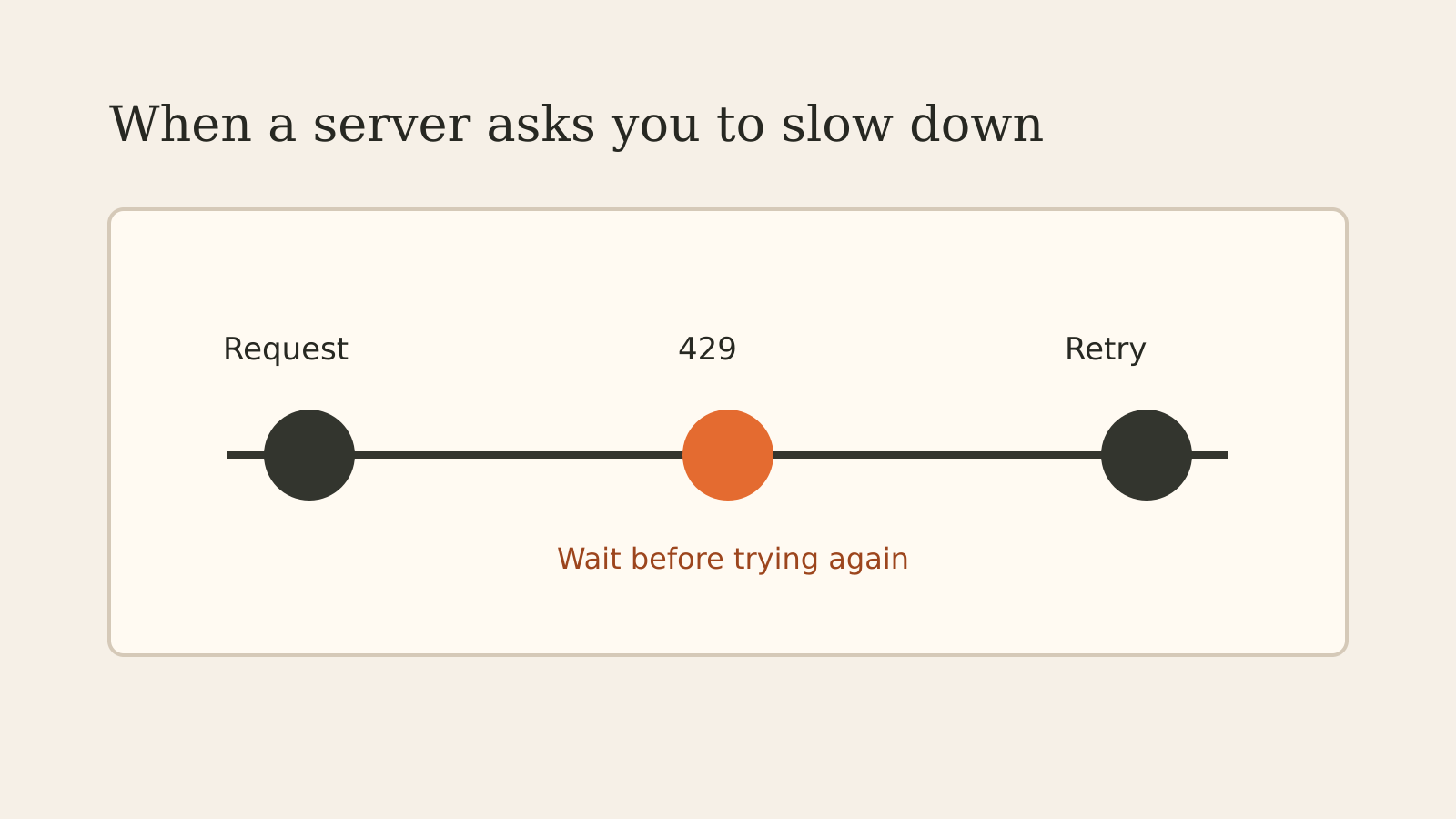
These statuses describe a different situation from HTTP 429, where a server is limiting request frequency. Retrying more aggressively will not correct an invalid byte position.
Multiple ranges are packaged separately
A client can ask for more than one interval in a request. When the server returns multiple ranges in a 206 response, the response uses multipart/byteranges. Each part has its own range information and content type.
The client needs to read those boundaries and place each part correctly. The response body is not simply one continuous slice starting at the first requested position.
For most download troubleshooting, a single range is easier to inspect. Identify the requested interval, the returned interval and the total resource length before adding multipart handling to the investigation.
What to check when a partial transfer fails
Start with one failing request in the browser’s network panel or the downloader’s logs. Record the status, request Range, response Content-Range and response Content-Length. Then compare the requested offset with the resource’s current length and check whether the file’s validator changed.
Next, distinguish a valid 206 from an interrupted response body. Receiving a 206 status line is only one part of the transfer; the client still has to receive the bytes that response promises. A successful range response cannot repair missing data elsewhere in a partially assembled file.
Finally, separate range selection from transfer framing. MDN explains that HTTP/1.1 chunked transfer encoding controls how a response is delivered, while a range request selects which part of a resource is returned. Breaking a transfer into transport chunks is not the same operation as asking for bytes 1,000 through 1,999.
For a resumable download, the practical checks are precise: the right interval, the right version and the expected number of received bytes.