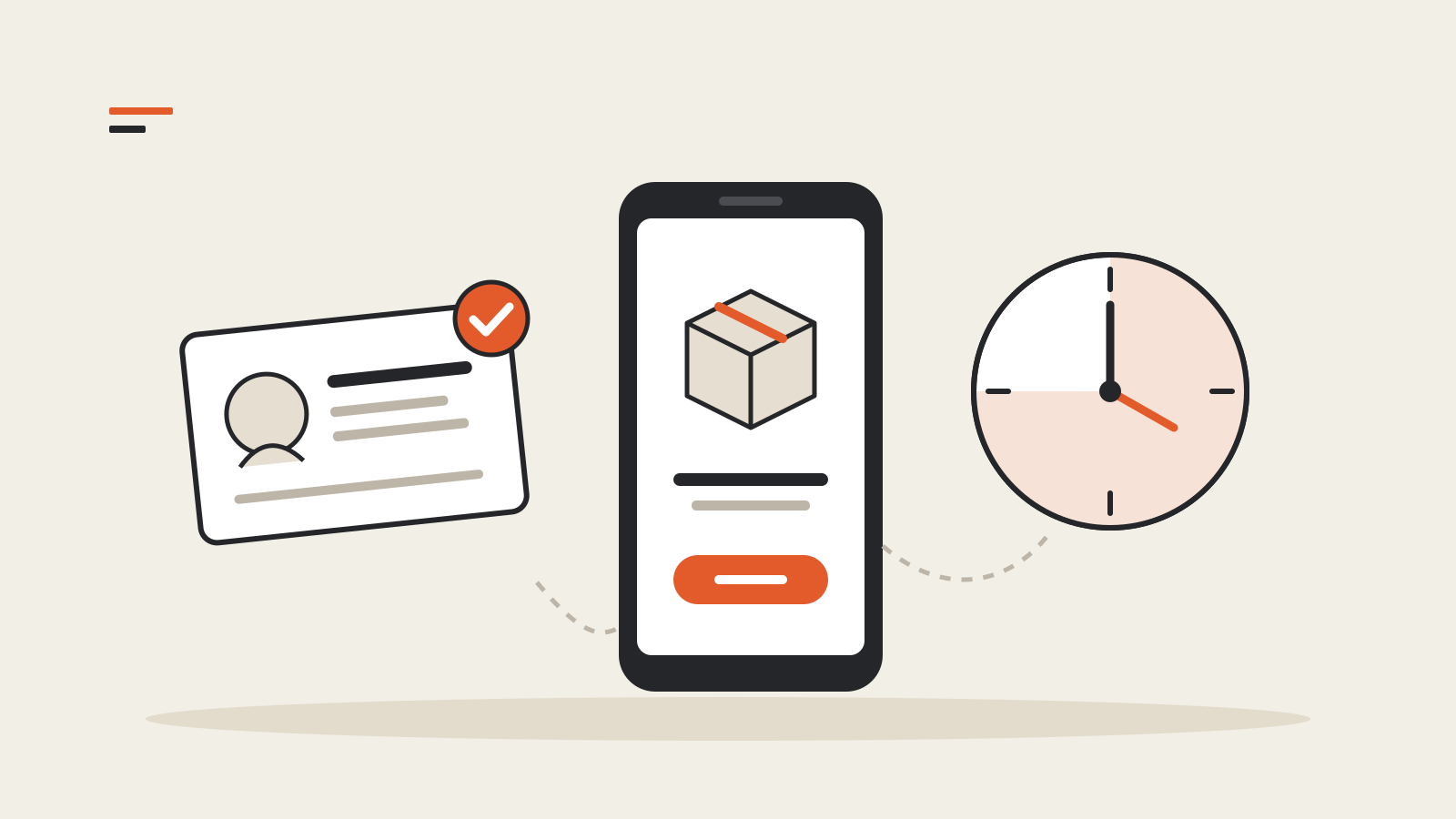
Android developer verification has been enforced since September 30, 2026, but only in four countries and only for installs from seven participating app stores. In Brazil, Indonesia, Singapore and Thailand, a certified Android phone or tablet running Android 7 or later will not install an app from those stores unless a verified developer has registered it. Everywhere else, and for apps sideloaded from a website or a non-participating store, nothing is enforced yet. Google says the check goes global in 2027 and has not published a date.
Sideloading has not ended. An app from an unverified developer can still be installed with Android Debug Bridge (adb) or through a new “advanced flow” that includes a 24-hour waiting period. Below is what changes for people installing apps and for developers shipping them, checked against Google’s documentation on November 15, 2026.
Where and when the check applies
Google’s developer verification page and its June 18 update set the scope:
- Countries: Brazil, Indonesia, Singapore and Thailand, from September 30, 2026.
- Devices: certified Android devices running Android 7 or higher. Enforcement covers phones and tablets; other form factors are not checked in this phase.
- Stores: Google Play, HONOR App Market, OPPO App Market, Galaxy Store, Palm Store (Transsion), V-Appstore (vivo) and GetApps (Xiaomi).
- Next step: “all apps on certified Android devices” worldwide in 2027. Google’s guide says the check will “soon” extend to all third-party Android app stores.
The device side arrives through Google Play services rather than an Android version update. Google said in June that it had started installing a new system service on most devices to carry out the check.
Google’s FAQ is explicit about the gaps in this first phase. An app sideloaded from a website, or distributed through a store that is not on the list, is not checked yet, even for a user in one of the four countries. Apps installed by an IT department through a managed store on managed devices are exempt. In comprehensively sanctioned countries the check does not run at all.
What it means if you install apps
For most people nothing visible changes. Google says over 99% of apps on Play were registered automatically, and its June post says registered apps cover “a large majority” of installs from outside Play as well.
The change shows up with an app from a developer who has not verified their identity. On an affected install in one of the four countries, that app is blocked. To install it anyway, there are two routes:
- adb from a computer. Google’s FAQ says adb installs do not need registration and are not subject to the waiting period.
- The advanced flow on the phone. Google’s timeline lists it as launching in August 2026, ahead of enforcement.
The advanced flow is deliberately slow. Google’s description has five steps:
- Turn on developer mode in system settings.
- Confirm that nobody is coaching you through the change.
- Restart the phone and sign in again, which ends any remote-access session or call in progress.
- Wait one day, then confirm with fingerprint, face unlock or the device PIN.
- Choose to allow apps from unverified developers for 7 days or indefinitely. Each install still shows a warning with an “Install Anyway” button.
A worked timeline: start the setup at 9:00 on a Monday and the earliest you can confirm it is 9:00 on Tuesday. Pick the 7-day option and permission lapses the following Tuesday. Google’s FAQ adds a catch: with the advanced flow switched off, updates to apps that are still unregistered fail. Someone who relies on an unregistered app either keeps the flow on indefinitely or installs each update with adb. Developer mode itself can be turned off again once the flow is enabled. That matters because some banking apps refuse to run with developer options on.
Google says the 24-hour wait exists because scammers keep victims on the phone and push them to disable protections immediately. Google cites a 2025 Global Anti-Scam Alliance report: 57% of surveyed adults experienced a scam in the past year, and consumers lost $442 billion worldwide.
What it means if you ship apps
Verification ties a developer identity to package names and signing keys. Google says it does not review what the app does. The guide sets out three paths:
- Full distribution. Verify your identity and register each package name by proving you hold its signing key. Play developers do this in Play Console, where most apps were registered automatically through Play App Signing. Developers who ship only outside Play use the Android Developer Console. That account costs $25, and organizations also need a D-U-N-S number, which Google warns can take up to 28 days to obtain.
- Limited distribution. A free account with no government ID, meant for students and hobbyists. Users join through a QR code or link and consent on their device.
- Unregistered. Ship as before. Your users then need adb or the advanced flow, and in the four countries your app cannot be installed from a participating store.
Two details from the FAQ are easy to miss. A lost signing key cannot be recovered, and without it you cannot register the package name. A limited account can be upgraded to full distribution later, but a full account cannot be converted back.
One number is inconsistent in Google’s own pages. The limited distribution guide, last updated October 28, 2026, says these accounts can share apps with up to 50 devices. The overview guide and FAQ still say 20. The newest page is probably the current limit, but a developer who needs more than 20 devices should confirm it in the console first.
Registration status is visible in Play Console, in the Android Developer Console under Package names, and in Android Studio when you build a signed APK or App Bundle (Panda 4 and later). For CI pipelines, Google offers the Android Developer ID Status API, which checks whether a package name is registered, and the Android Developer Console API, which registers names and manages keys.
What to do now
- If you install apps from outside Play: check whether the developer has registered the app. If they have, nothing changes. If they have not and you are in one of the four countries, decide between adb and the advanced flow, and remember that updates fail when the flow is off.
- If you ship apps only outside Play: register before the 2027 global rollout. In this first phase, an app sideloaded from your website still installs everywhere. That changes when the check goes worldwide.
- If you use a store that is not on the list: your users see no change yet, but Google says the check will reach every third-party store.
Our explainer on staged rollouts covers why an app update reaches some phones days before others. The guide to browser extension permissions applies the same check-before-installing habit to add-ons.