A lock file records the dependency versions selected for a project. If two developers install from the same version range on different days, they can otherwise receive different releases. In npm projects, package-lock.json records the resolved dependency tree so a later installation can reproduce that selection.
The distinction matters when a build fails on the deployment server but works on a laptop. Start by comparing the dependency tree and install command, rather than assuming that identical application source means identical installed software.
The manifest asks; the lock file records
A project’s package.json describes its dependencies. A range allows more than one acceptable release, according to the version rules discussed in our semantic versioning explainer.
The lock file captures a particular resolution, including dependencies pulled in by other dependencies. npm’s package-lock.json documentation says the file describes the exact generated tree and is intended to be committed to the source repository.
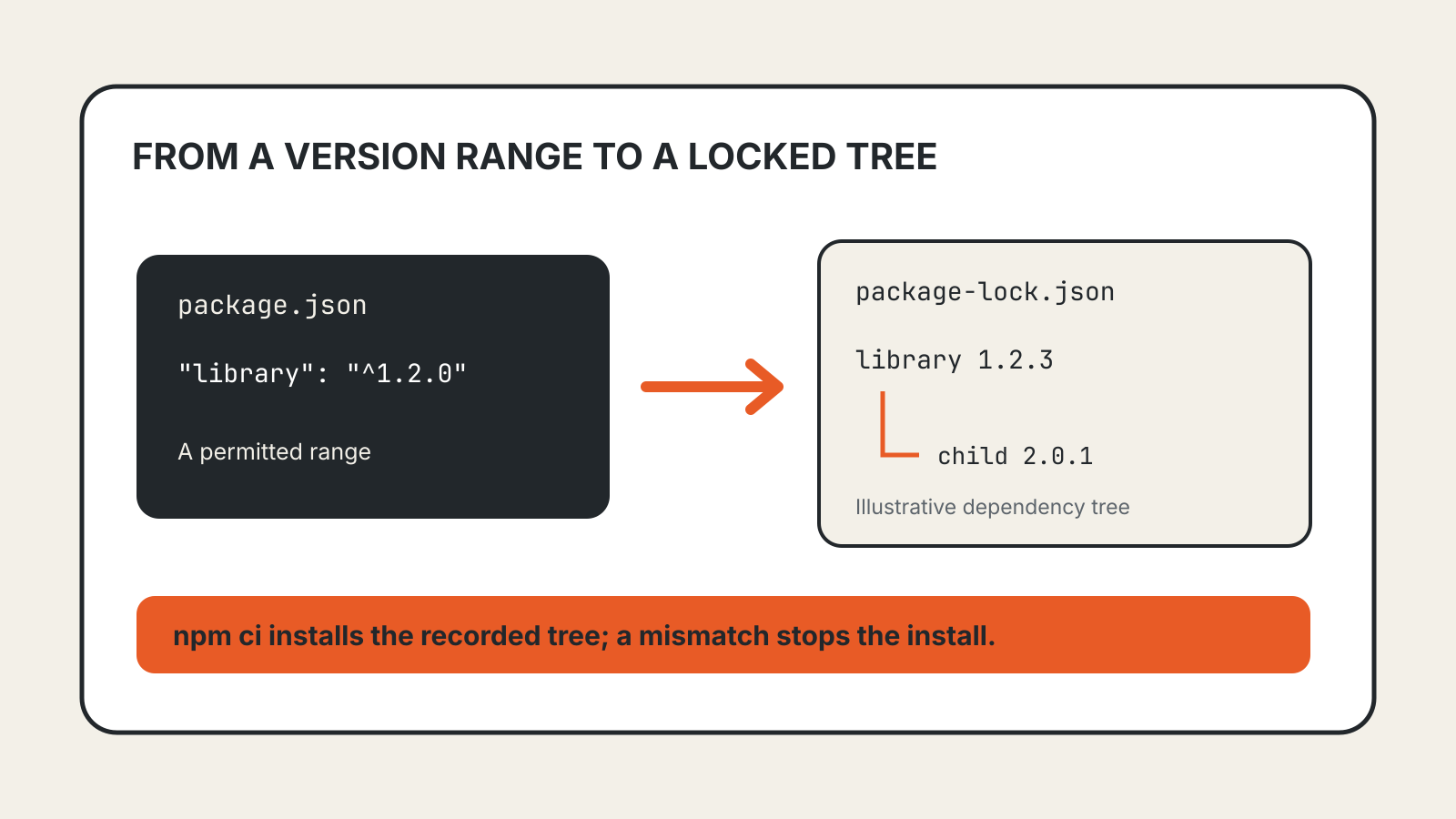
For example, an illustrative project might request library with the range ^1.2.0. Its lock file could record version 1.2.3, along with the selected versions of that library’s dependencies. These numbers illustrate the relationship; they are not a recommendation for a real package.
The manifest and lock file therefore answer different questions. One describes the project’s requirements; the other records the selected installation.
What npm records
The packages section maps locations in the project to package information. npm documents fields including the resolved version, the source from which a package was obtained, and an integrity value for the artifact.
This gives a reviewer more to inspect than a direct-dependency name. A dependency update can change packages several levels below the application. Review the lock-file diff alongside the manifest change and the tests for the affected feature.
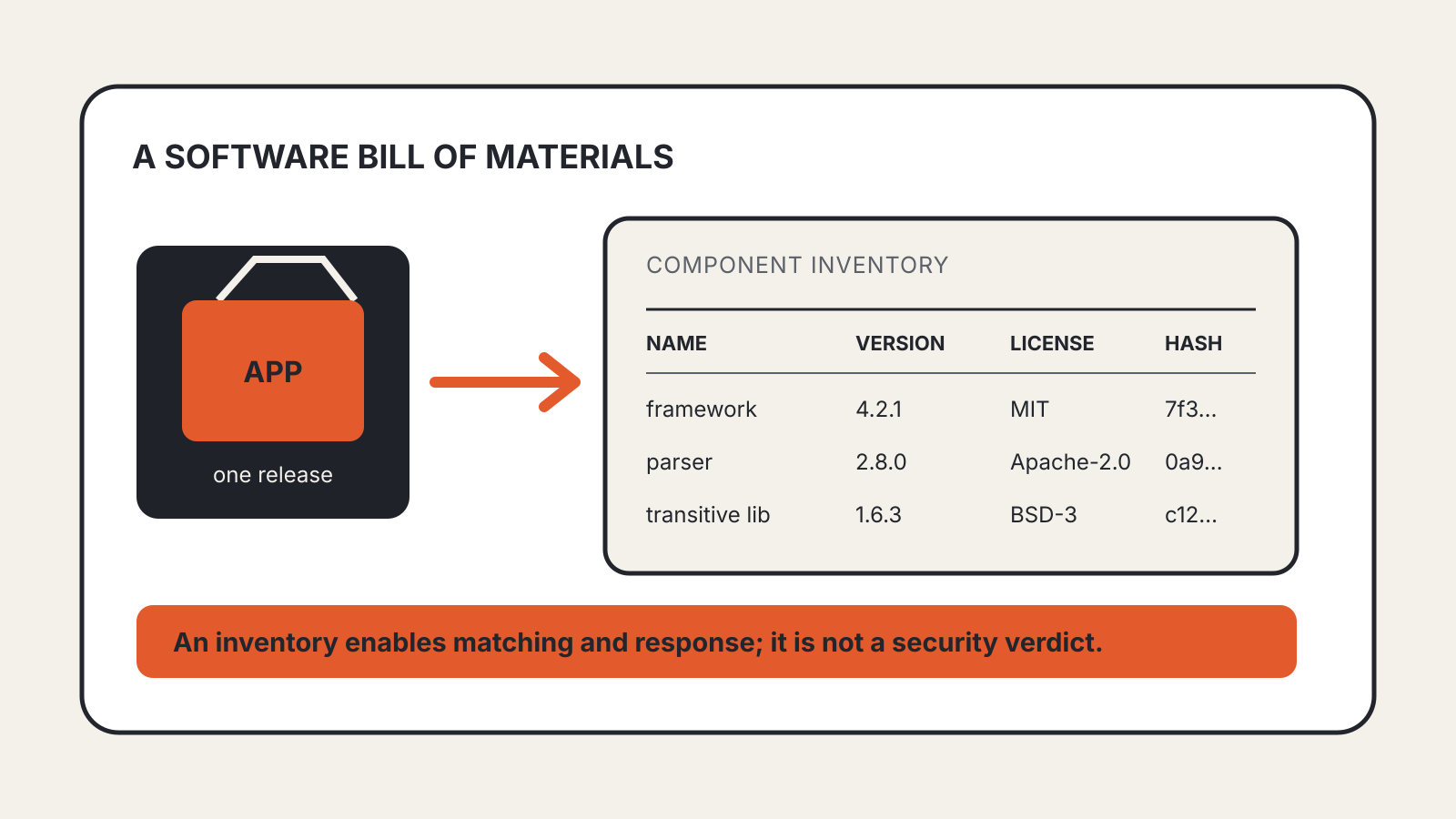
An integrity value helps identify the expected artifact. It should not be treated as proof that the package is safe or suitable. A recorded dependency tree and a software bill of materials also serve different purposes: the former supports installation; the latter describes software components for inventory and analysis.
Use a frozen install in automation
npm provides npm ci for clean installations in environments such as continuous integration and deployment.
The command requires an existing package-lock.json or npm-shrinkwrap.json. If the lock file and package.json disagree, it exits with an error instead of rewriting the lock file. It also removes an existing node_modules directory before installing and does not write to the manifest or lock file.
That makes the failure useful evidence. If a developer changes the manifest without generating and committing the corresponding lock file, the deployment should expose the inconsistency rather than quietly select a new tree.
Run the command in the project directory:
npm ci
This is a documented command example, not a report of a test performed for this article.
Keep installation settings with the project
A lock file is only part of the installation contract. npm warns that flags which affect the dependency tree, such as --legacy-peer-deps or --install-links, must also be provided to npm ci when they were used to generate the lock file. Its documentation suggests committing relevant project configuration in .npmrc.
Settings can also change which dependency types are physically installed. For example, --omit=dev leaves development dependencies off disk even though they remain resolved in the lock file.
When comparing two environments, record the package-manager version, project configuration and installation command as well as the lock file. A matching dependency selection does not establish that the operating system, runtime or external service configuration is identical.
Updating dependencies deliberately
Use an update as a reviewable change. Generate the intended dependency resolution, inspect both manifest and lock-file differences, run the project’s checks, and commit the files together. Use the frozen installation path again in automation.
Deleting the lock file to make a mismatch disappear discards the previous selection. If that is necessary for a deliberate migration, review the replacement tree as a dependency update. It is not a neutral cleanup.