
Apps & Software
Practical software, useful apps and open-source tools.
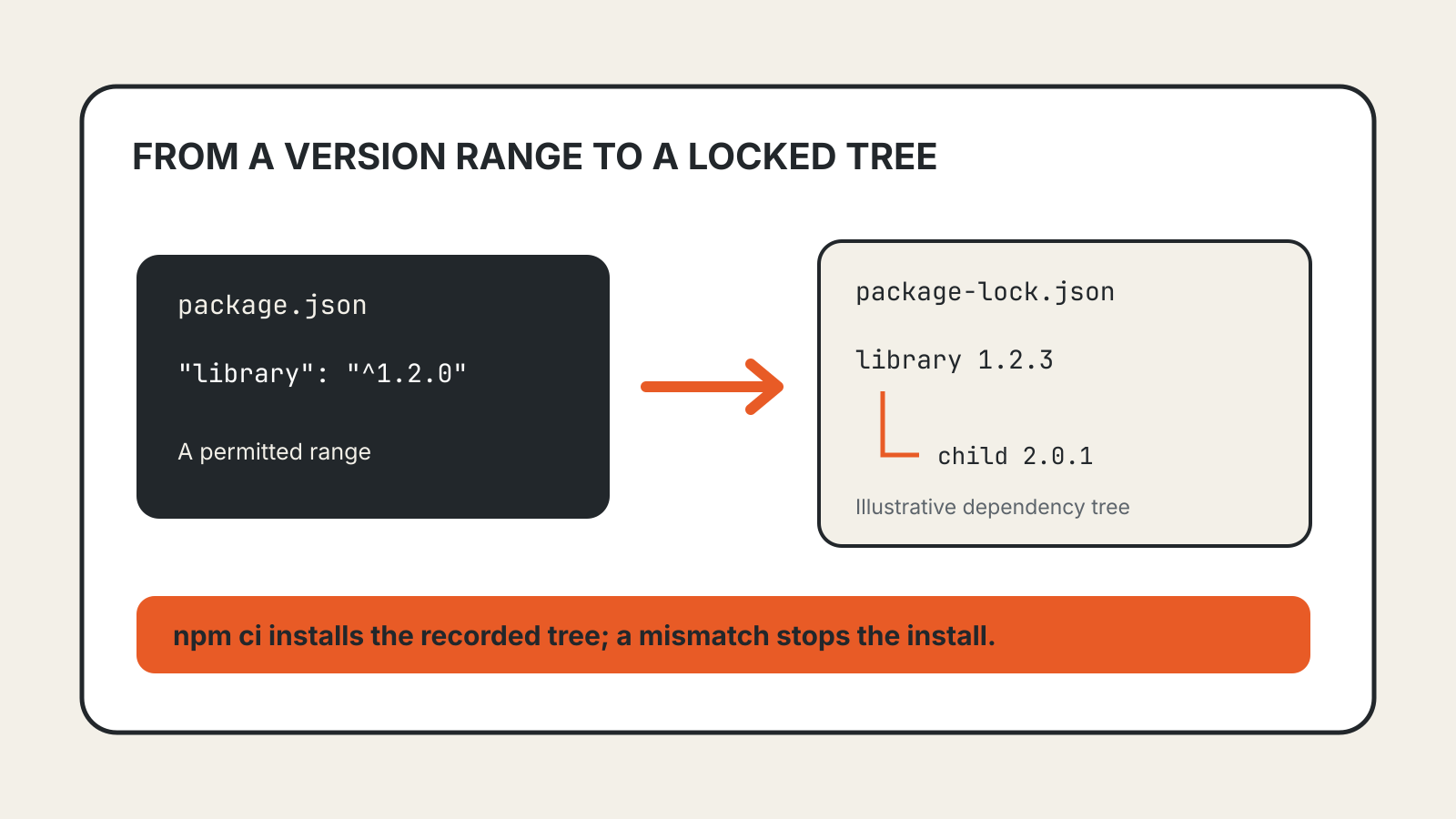
Lock File Explained: What Dependency Installs Preserve
How npm lock files record dependency versions, why npm ci rejects mismatches, and what a lock file cannot guarantee.
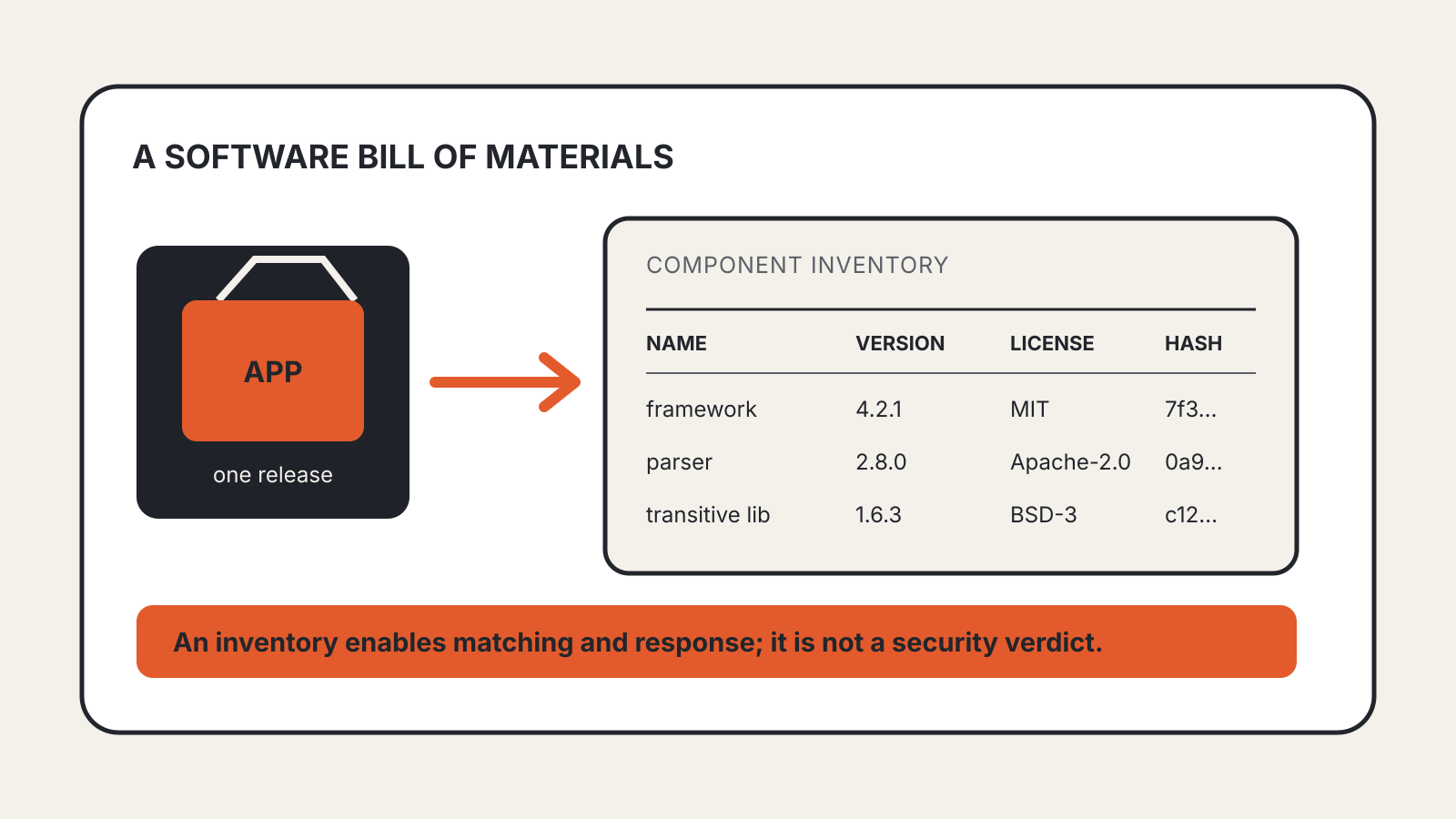
SBOM Explained: What a Software Bill of Materials Lists
What an SBOM records, how teams use it in vulnerability response, and why an inventory is not a security verdict.
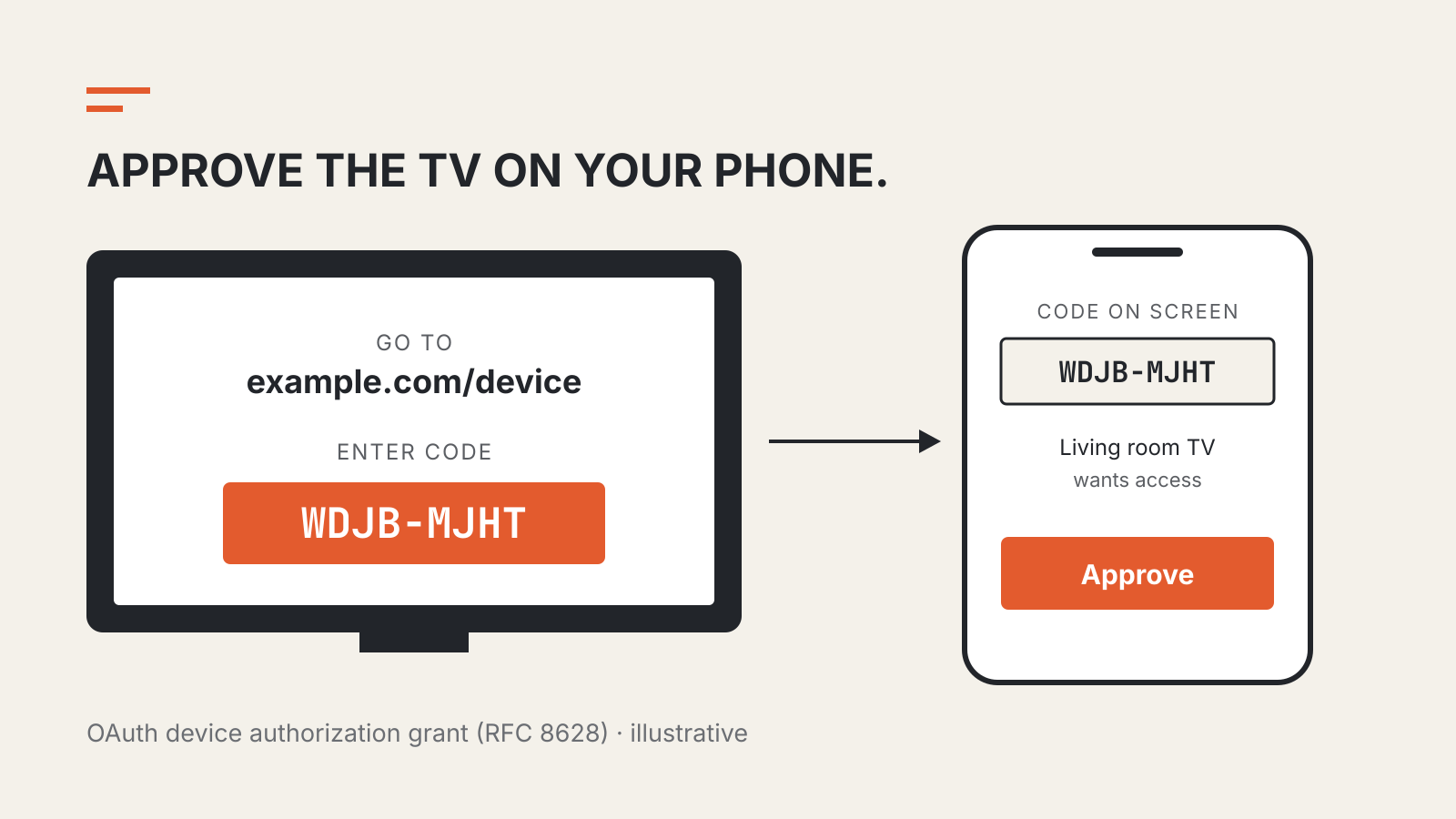
Device Code Flow Explained: Why a TV Shows a URL and Code
Why TVs show a URL and short code, how OAuth approval works and which phishing check matters.
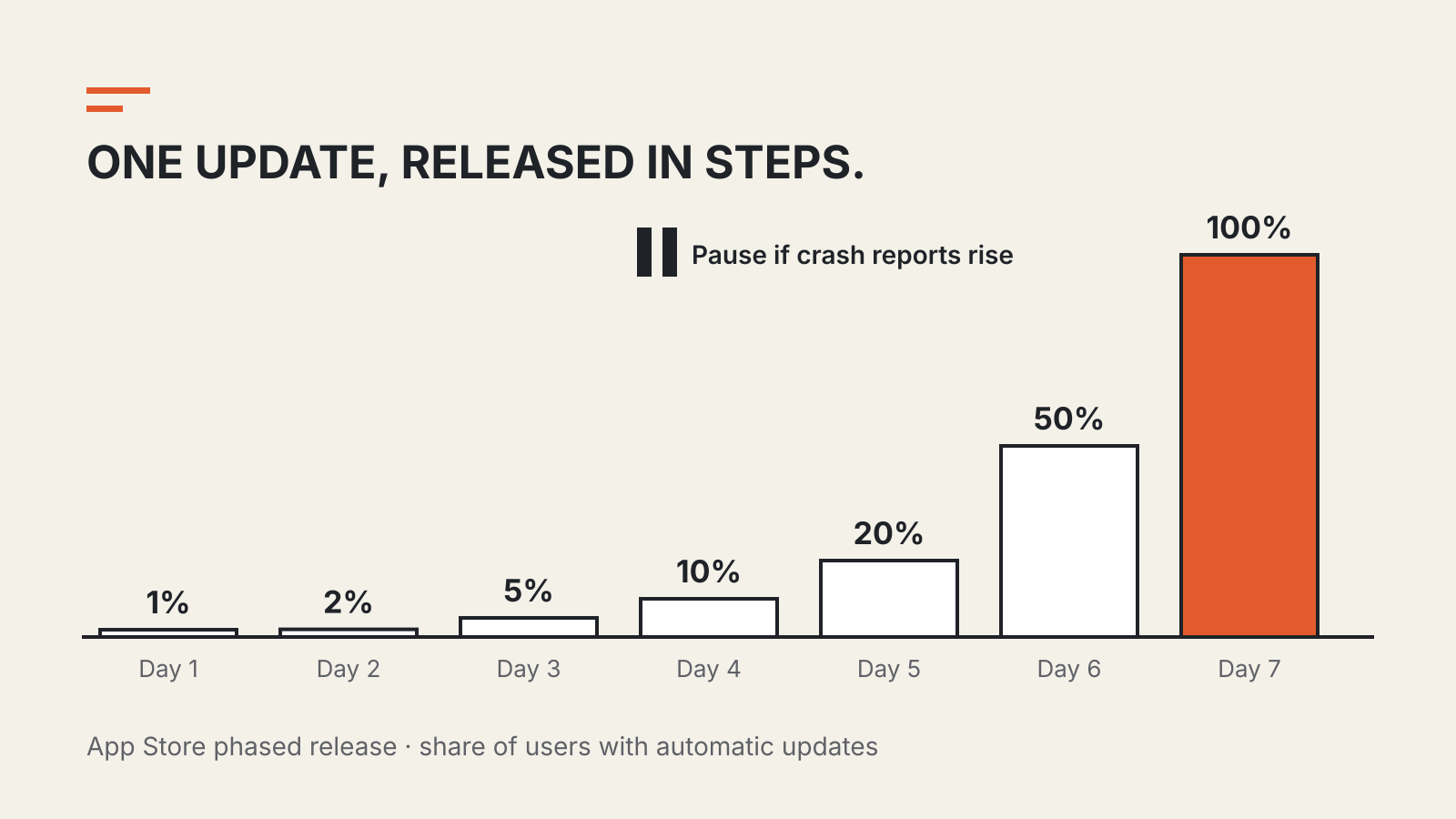
Staged Rollout Explained: Why an App Update Reaches You Days Later
A release announcement and your device's update are different events. Staged rollouts explain the gap.

What to Do If Your Password Manager Is Breached
Password manager breach response: secure email, rotate key credentials, revoke sessions, and avoid phishing.
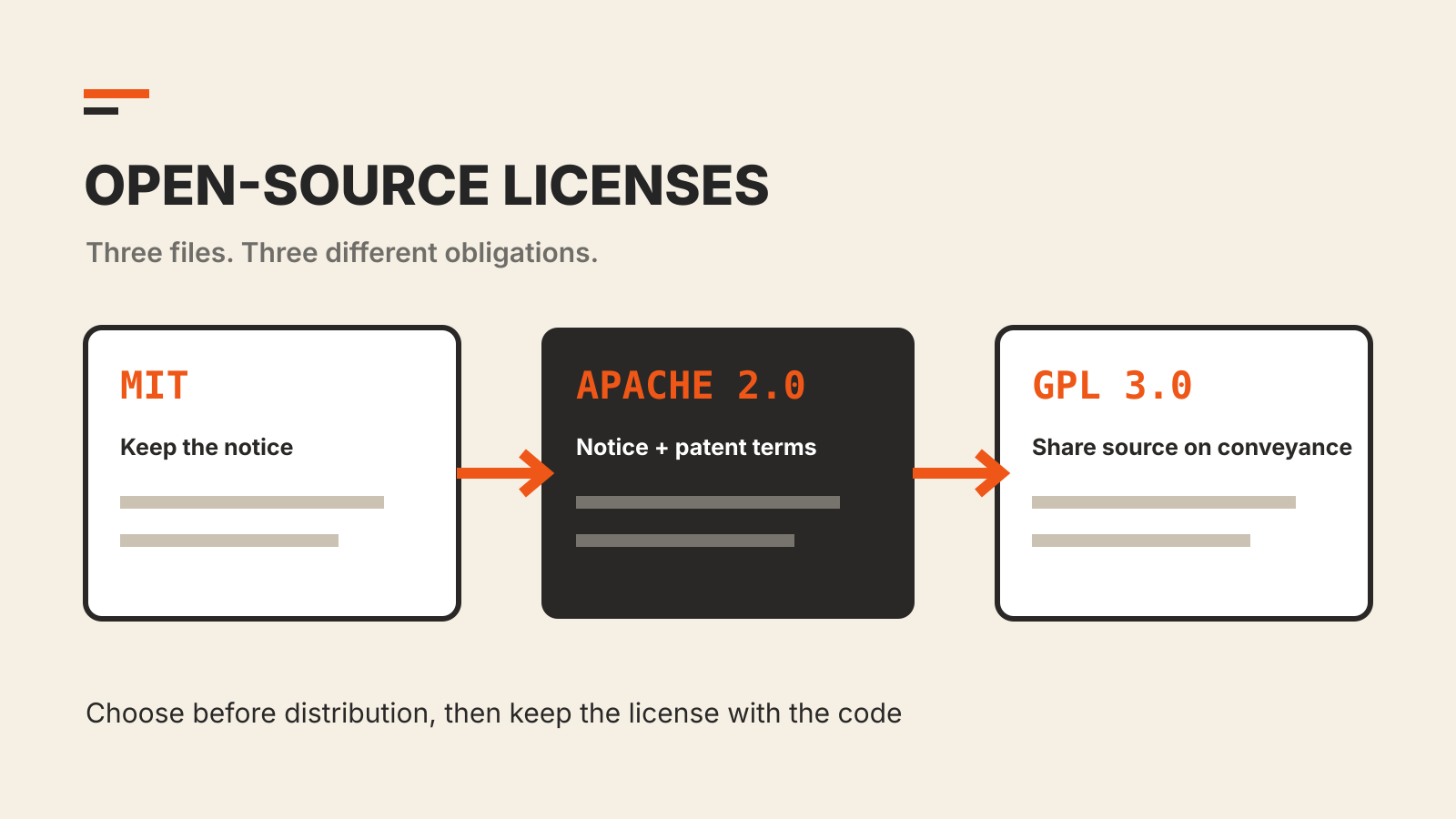
Open-Source Licenses: MIT, Apache 2.0 and GPLv3
MIT, Apache 2.0 and GPLv3 all allow commercial use, but they attach different conditions when software is distributed.
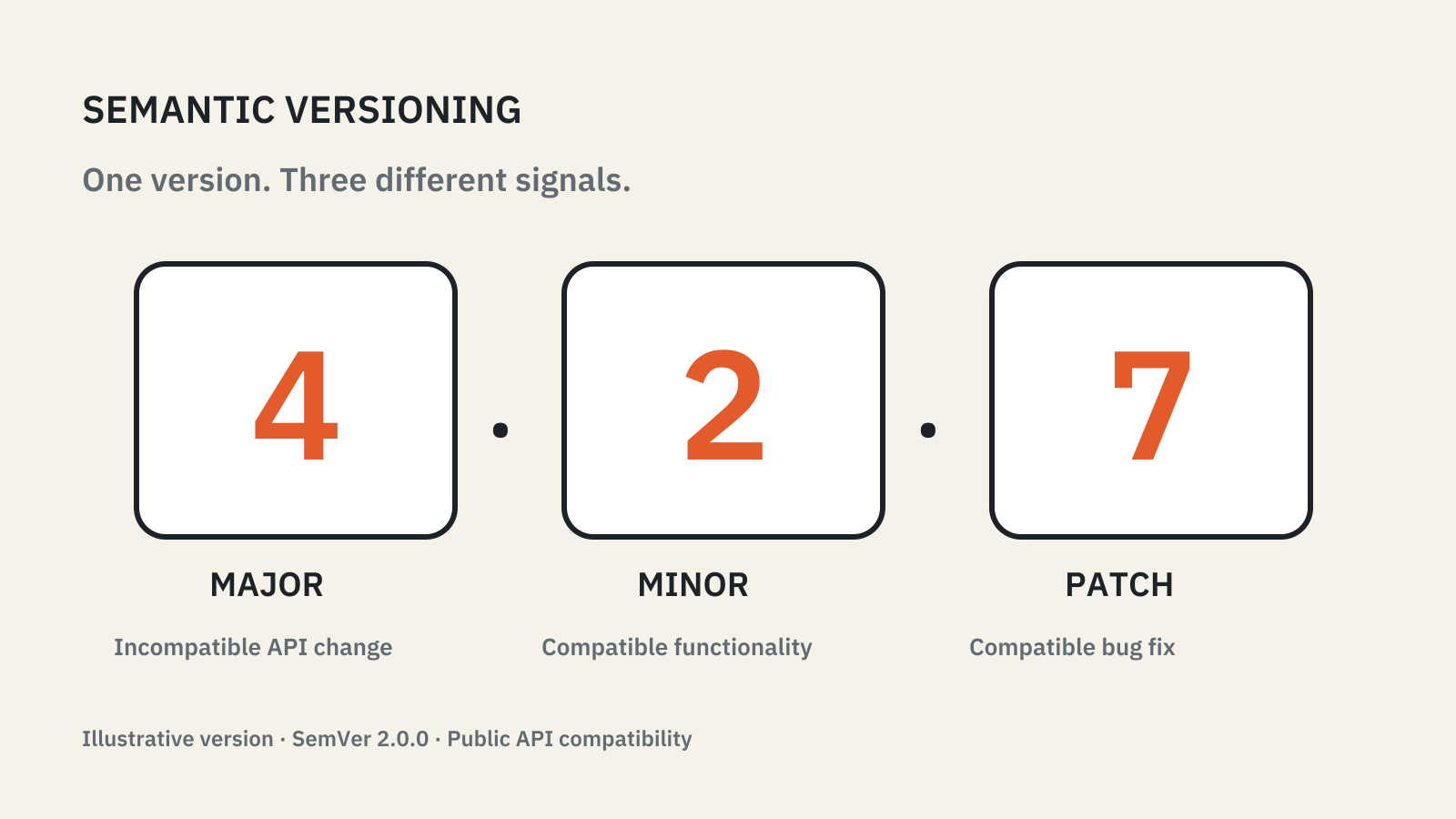
Semantic Versioning Explained: Major, Minor and Patch
Major, minor and patch describe API compatibility; your dependency range and lockfile decide what gets installed.
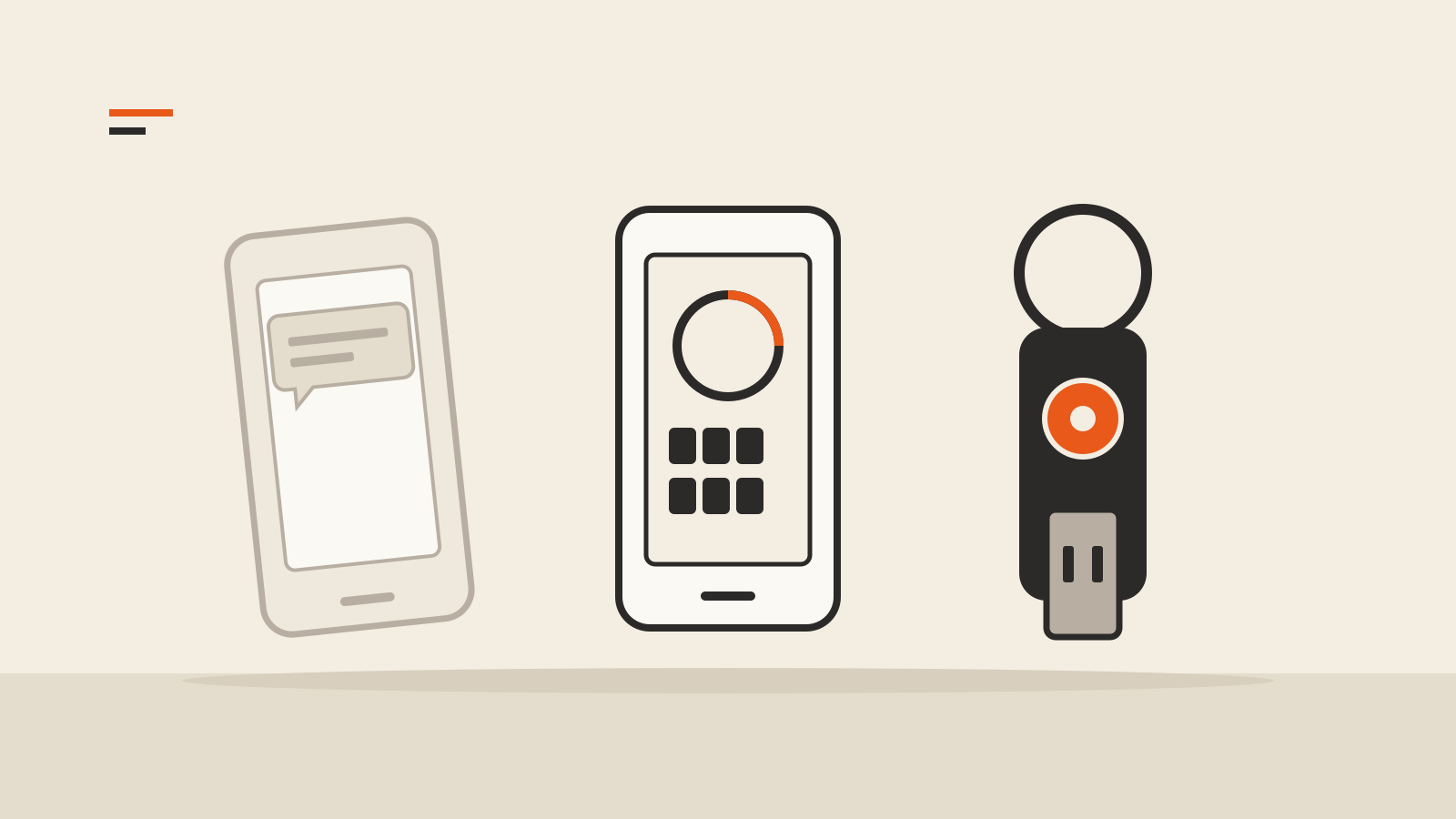
Two-Factor Authentication Methods Compared: SMS, Apps and Security Keys
SMS codes, app codes, push prompts and security keys compared, and which one stops a fake login page.

Browser Extension Permissions to Check Before You Install
Which extension warnings reach furthest, how to limit site access, and what to check when an update asks for more.

Browser Release Channels: Stable, Beta, Dev and Canary
What Stable, Beta, Dev, Canary and Nightly channels mean, and how to test them without risking daily work.
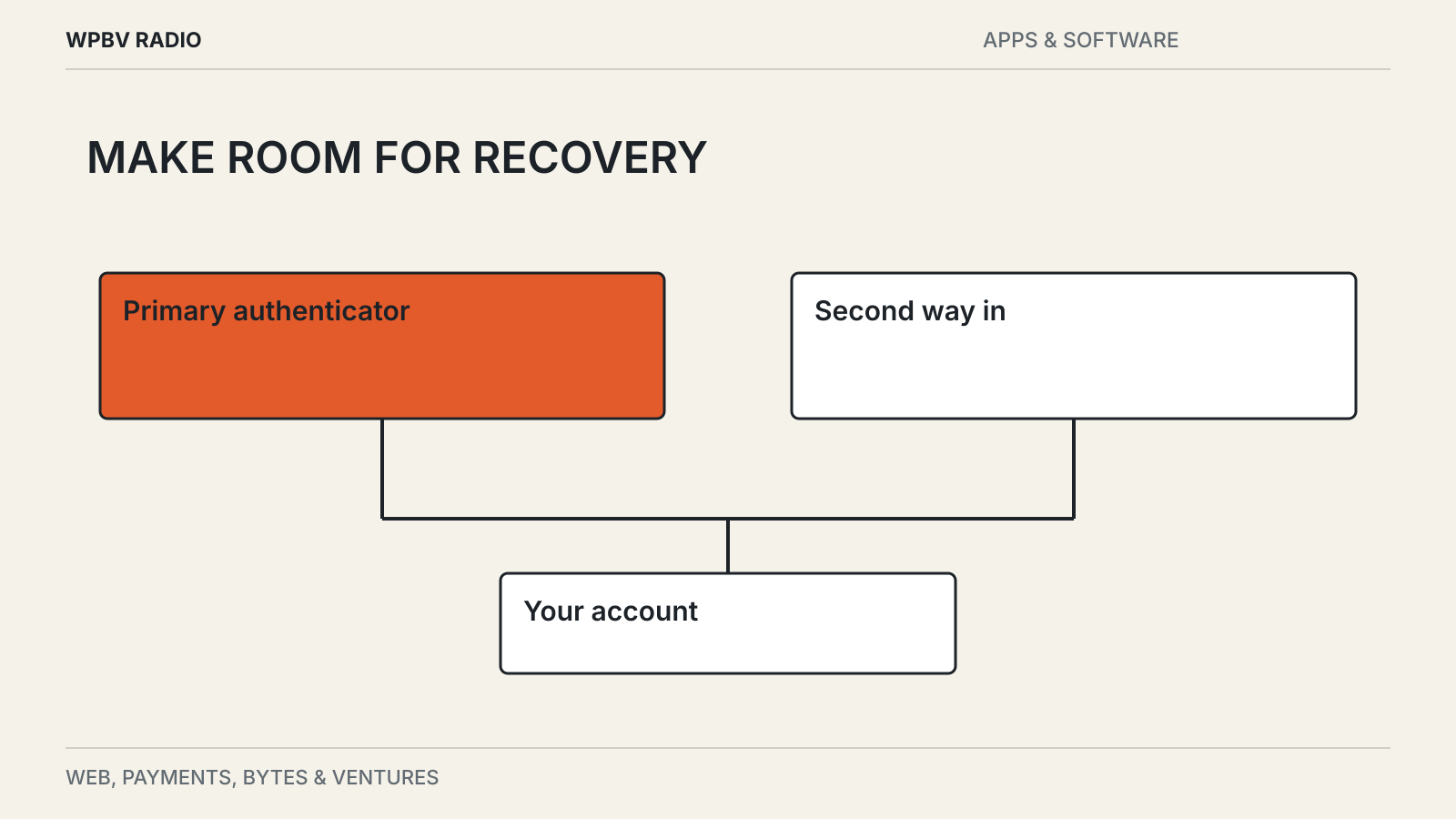
Passkeys: Setup, Sync and Recovery
A passkey can simplify signing in. Before replacing a password, check how you will recover access.
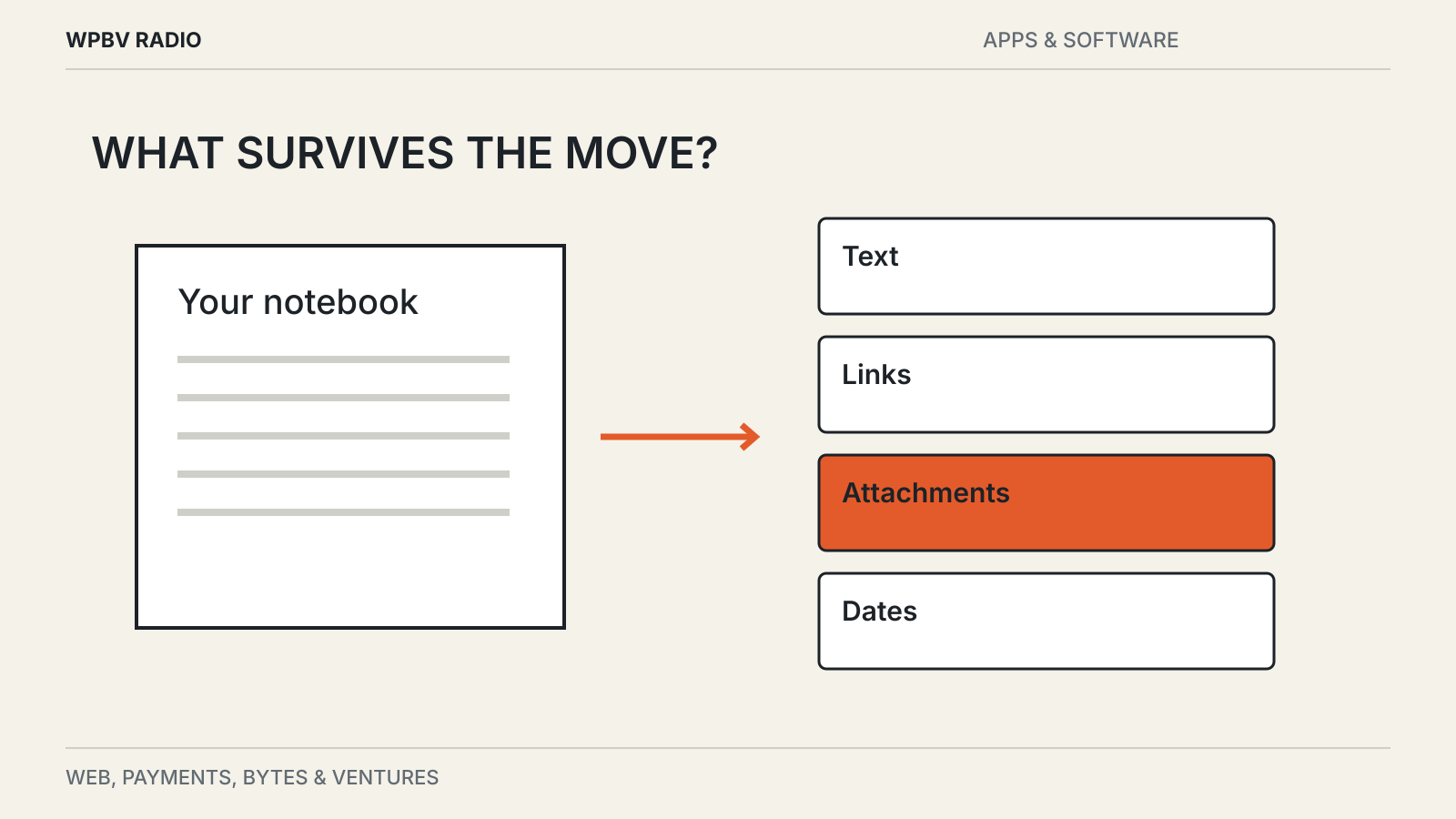
Before You Move Your Notes, Test the Export
A readable file is a good start. Links, attachments and dates decide whether your notes survive a move.
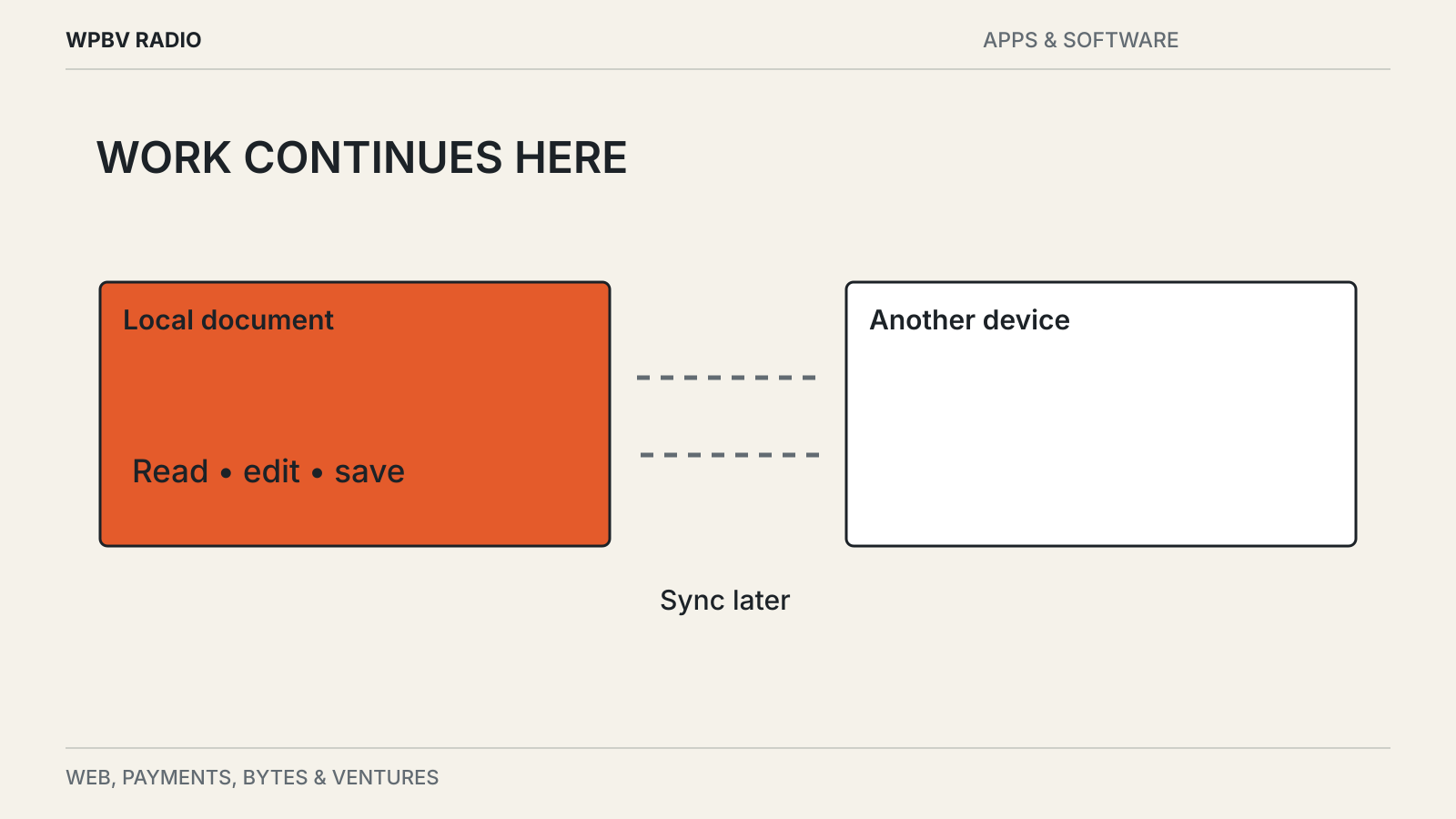
Local-First Apps: What Works Without the Internet?
Offline editing, syncing and backing up solve different problems. A local copy does not guarantee all three.
Test whether notes retain their links and attachments during export, find out which tasks remain possible offline and prepare a recovery route before relying on passkeys. These guides cover everyday choices that become difficult to reverse after important work has moved into an application. The emphasis is on usable data, understandable permissions and a working backup plan.
Visit the Apps & Software desk for current reports alongside these explainers.