You open a document on a train and see a spinner. The app is installed on your laptop, but the document still lives behind a network request. A desktop icon did not make the work local.
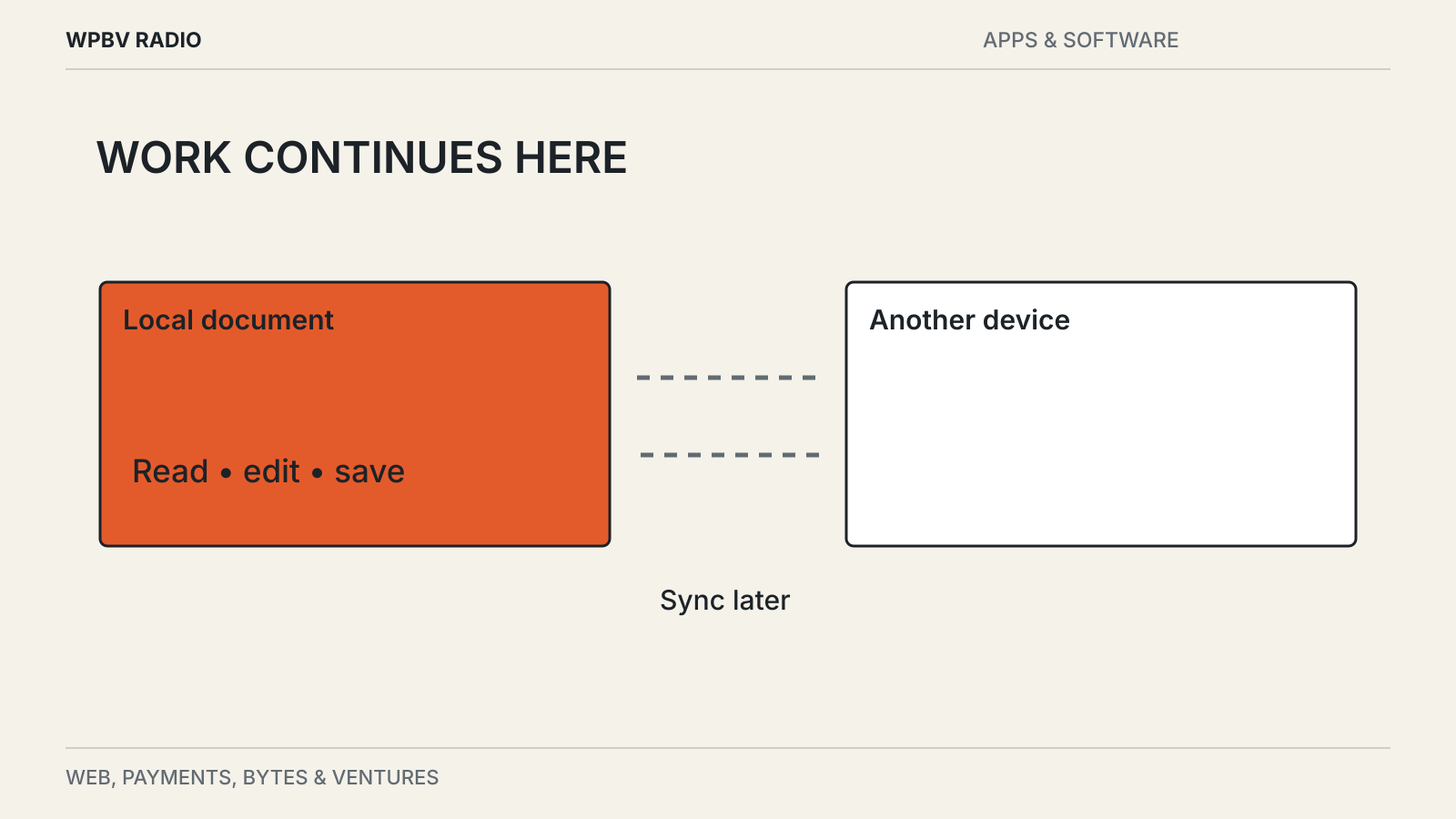
Local-first software starts from a different arrangement: a usable local copy is central to the experience, and the network helps devices or collaborators exchange changes. That can make work more resilient, but the label deserves a practical test.
Offline support comes in degrees
An app may cache recently opened pages while leaving everything else on the server. Another may download a complete workspace but require an online login before opening it. A third may allow reading offline but queue edits until the connection returns.
These are different capabilities. Ask what you need to do without a connection: open old files, create new ones, search, edit attachments or collaborate with someone nearby. Check each operation.
The researchers at Ink & Switch describe a broader set of goals in their local-first software essay, including offline work, collaboration and long-term access to data. A product can satisfy some of those goals without satisfying all of them.
Test a disconnected session
Use a small collection of non-sensitive documents. Open some files in advance and leave others untouched. Then disconnect the network and restart the app.
Try opening both groups, searching for a phrase and creating a new document. Edit an existing page and close the app. Reopen it while still offline to check whether the change persists.
This test is deliberately ordinary. It reveals more about travel readiness than a feature list that says “offline available.” Record any operation that needs a connection so it does not surprise you later.
If the app supports several devices, repeat the test on the one you will actually carry. Desktop and mobile versions may not store the same amount of data or offer the same features.
Sync is a separate problem
Once two devices can edit independently, the system needs a way to combine changes. It might merge text automatically, create conflicting copies or ask a user to choose.
No single behavior is ideal for every data type. A paragraph can sometimes be merged sensibly; two competing edits to a financial amount should not be silently averaged. What matters is whether conflicts are visible and recoverable.
Try editing the same sample from two disconnected devices, then reconnect them. Inspect the result and look for version history. Avoid doing this first with an important working document.
Ink & Switch’s essay discusses conflict-free replicated data types as one approach to collaboration. The existence of such a mechanism does not tell you how a particular app presents conflicts or whether every feature uses it.
A synchronized deletion is still a deletion
Sync distributes changes. If deleting a file is a change, the deletion may reach every connected device. That is why a synchronized folder is not automatically an independent backup.
Check the app’s history and trash retention, and keep a separate recovery copy for important material. Confirm that you can restore it without needing the original app account.
For notes, our export checklist walks through links, attachments and metadata. Local access is more valuable when the files remain understandable after the software changes.
Ownership needs a usable format
A local database can be available offline while remaining difficult to use anywhere else. Conversely, plain files can be portable even if a collaboration service around them depends on a subscription.
Look at both storage and exit. Where are the files? What format are they in? Can another tool read them? Which features disappear if you stop paying or the service closes?
Those questions connect the immediate benefit of working on a train with the longer-term benefit of keeping access to your own work.