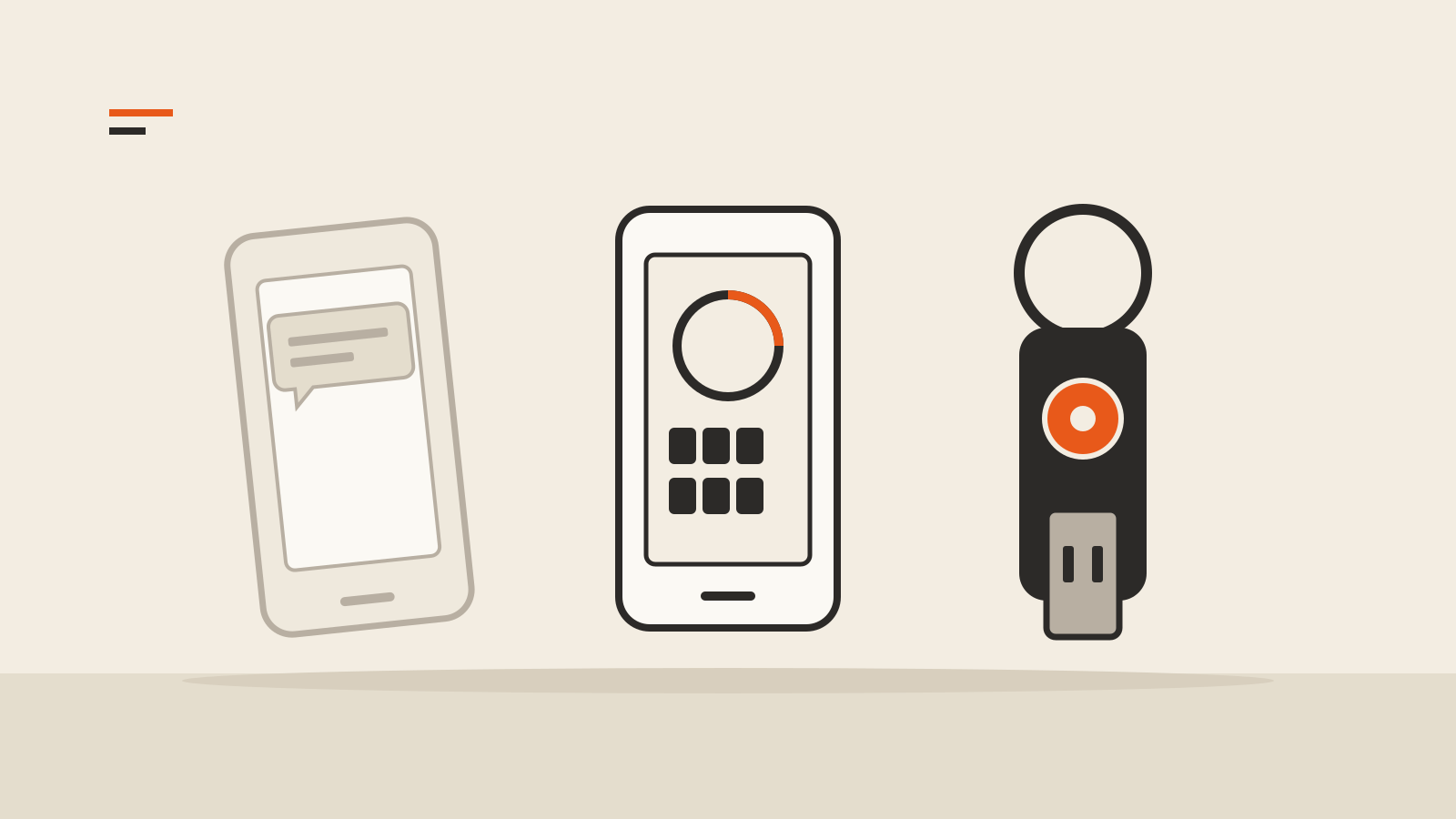
You turn on two-factor authentication for your email, and the settings page offers a choice: a text message, an authenticator app, a prompt on your phone or a security key. All of them add a second step after the password. They do not all stop the same attacks, and the differences between two-factor authentication methods matter most on the day someone builds a convincing copy of your login page.
Two public references are useful here. The US Cybersecurity and Infrastructure Security Agency (CISA) ranks the methods from strongest to weakest in its fact sheet on phishing-resistant MFA. NIST’s digital identity guidelines, SP 800-63B-4, set the technical rules US federal systems follow. Both were written for organizations, but the threats they describe hit personal accounts the same way.
Four attacks to keep in mind
CISA lists the ways attackers get around a second factor:
- Phishing. A fake login page collects your password and the six-digit code you type, then uses both on the real site.
- Push bombing. The attacker, already holding your password, triggers login prompts on your phone until you tap “Accept.”
- SS7 exploitation. Weaknesses in the telephone signaling network let attackers obtain codes sent by text message or voice call.
- SIM swap. The attacker persuades your mobile carrier to move your number to a SIM card they control.
Each method below either blocks or misses these four.
SMS and voice codes
The site sends a code to your phone number by text or call. It is the easiest method to set up and needs nothing beyond a phone.
It is also the weakest. CISA marks SMS and voice codes as vulnerable to phishing, SS7 attacks and SIM swaps, and says they “should only be used as a last resort.” NIST goes further for federal systems: sending codes over the public telephone network is the only “restricted” authenticator in SP 800-63B-4, which means an organization that accepts it must also offer an unrestricted alternative and warn users about the risk. NIST’s threat table describes both an attacker who convinces the mobile operator to redirect a victim’s phone and a malicious app that reads codes from text messages.
A text code still beats no second factor. CISA’s fact sheet says “any form of MFA is better than no MFA.” If SMS is the only option a service offers, keep it on, and ask your carrier about a PIN or port-out lock for your number.
Authenticator app codes
An authenticator app shows a short-lived code, generated on your phone from a secret shared once at setup. Nothing travels over the phone network, so CISA counts SS7 and SIM swap attacks as “not applicable” to app-based codes.
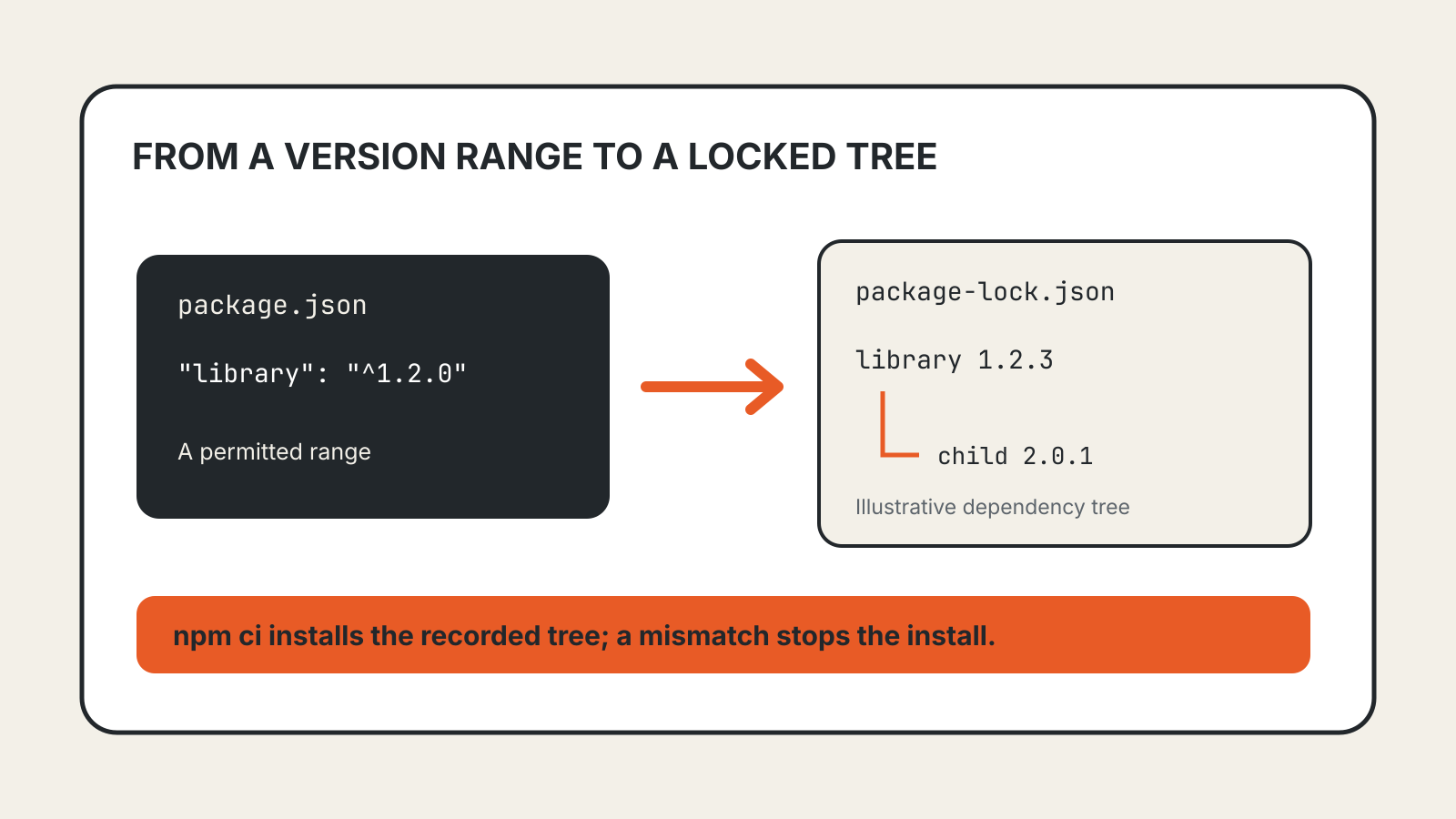
Phishing still works. You read the code and type it into a page, and NIST notes that any method involving “the manual entry of an authenticator output” cannot be phishing-resistant, because nothing ties that code to the real site. A fake page can pass your code to the genuine one within its short lifetime.
CISA calls app-based codes, along with hardware tokens that show codes, among “the best options” for small and medium-sized organizations that cannot move to phishing-resistant methods yet. For a personal account, that is a reasonable default.
Push prompts
Instead of a code, your phone shows “Is this you signing in?” and you tap to approve. Convenience is the appeal, and it is also the weakness. CISA lists a plain push prompt as vulnerable to push bombing “as well as user error”: tired of the alerts, or assuming they came from their own login, people approve.
Number matching closes much of that gap. The login screen shows a number, and you must type it into the app before it approves. CISA places push with number matching alongside app codes as resistant to push bombing, though, like codes, still open to a phishing page that shows you the right number.
Security keys and passkeys
A security key is a small USB or NFC device; a passkey is the same kind of credential stored in your phone, computer or password manager. Both use the FIDO2 and WebAuthn standards. CISA calls FIDO/WebAuthn “the only widely available phishing-resistant authentication” and says push bombing, SS7 and SIM swap attacks “are not applicable.”
The reason is in how they answer. Instead of a code you copy, the key signs a challenge that is bound to the website’s real domain. NIST calls this verifier name binding: the response is “cryptographically bound to a verifier identifier.” A look-alike domain gets a response it cannot use on the real site, however convincing the page looks to you.
The cost is setup and recovery. A hardware key can be lost, so register two and keep one somewhere safe. Passkeys that sync between devices avoid that problem but tie your sign-in to the account that syncs them, which our guide to passkey setup, sync and recovery covers in detail.
Which method to use where
A practical order, based on CISA’s ranking:
- Email, password manager and main cloud account: a security key or passkey, with a second key or backup method registered. These accounts can reset everything else.
- Banking, work and social accounts: a passkey or key where offered; otherwise an authenticator app, or push with number matching.
- Services that offer only SMS: keep SMS on rather than off, and protect the phone number itself.
Whatever you choose, save the recovery codes a service gives you at setup, offline or in your password manager. They are the way back in when the phone is lost, and nobody should ever ask you to read them out.