A password-manager breach does not automatically mean every password in your vault is readable. It also does not justify waiting for perfect information. The right response depends on what the incident exposed: account metadata, encrypted vault data, an unlocked session, recovery credentials, browser-extension access, or the provider’s production systems.
Start with the vendor’s official incident notice and your account activity. Avoid screenshots, forwarded posts, and “support” messages that ask you to sign in through a new link. Breaches create a second opportunity for phishing.
First 30 minutes: protect control-plane accounts
Use a device you trust and open the password manager from its saved app or bookmarked site.
- Secure your primary email account. Email is often the recovery channel for the password manager and other services. Review recent sign-ins, recovery addresses, forwarding rules, and active sessions.
- Check the password-manager account. Look for unfamiliar devices, sign-ins, exports, emergency-access changes, or new recovery methods. Revoke sessions you do not recognize.
- Change the master password if the vendor recommends it or if it may have been exposed. Make the new one long, unique, and never reused elsewhere.
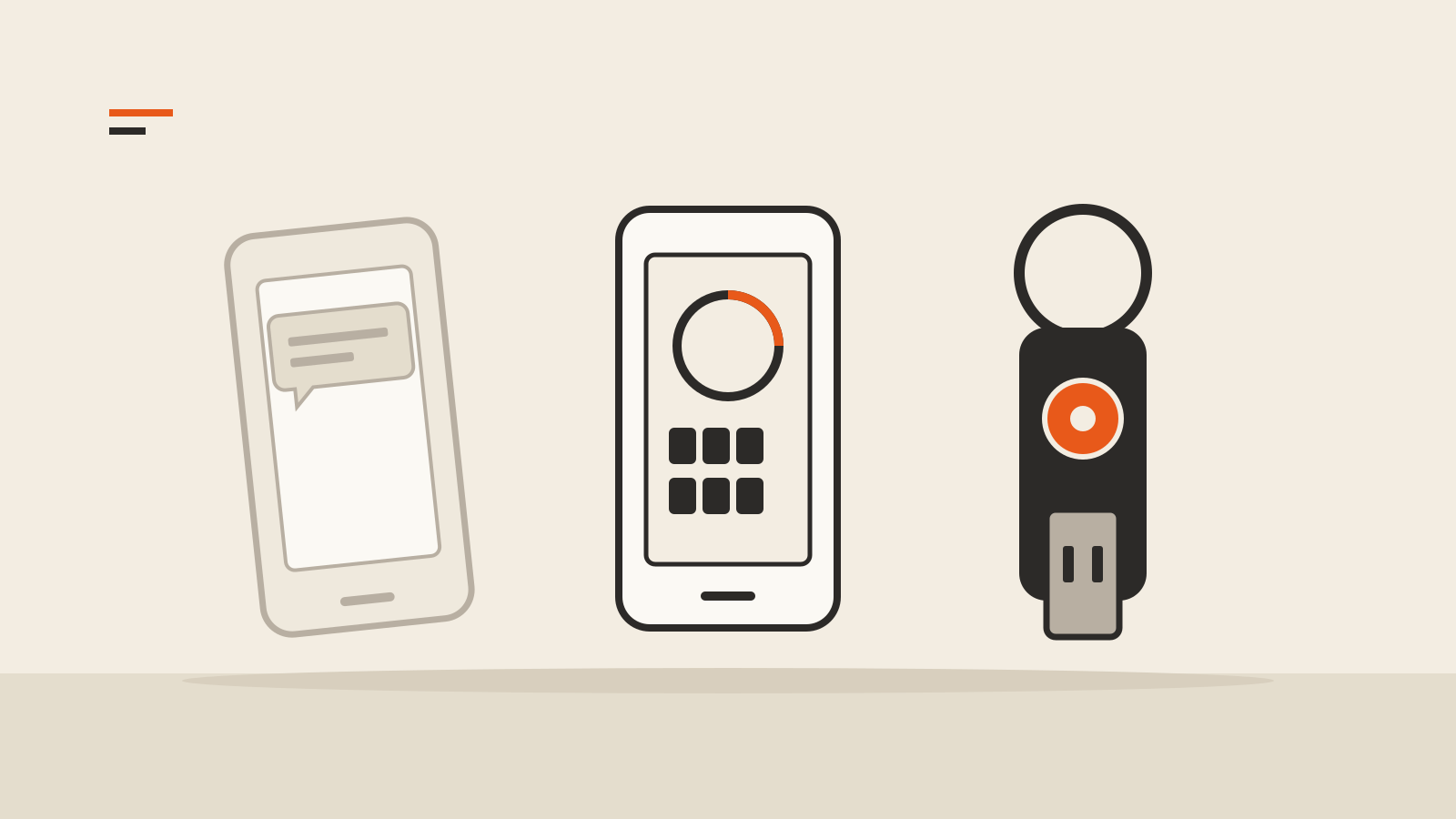
- Enable strong multifactor authentication. Prefer a phishing-resistant method such as a passkey or hardware security key when the service supports it. An authenticator app is still better than a password alone.
- Save the incident notice and timestamps. They determine which devices, accounts, and stored fields may be in scope.
CISA emphasizes that multifactor authentication can protect an account even when a password is compromised. It is not a reason to keep an exposed password, but it can prevent the first stolen credential from becoming a full takeover.
Find out what “breached” means
Providers use the same word for very different events. Look for answers to these questions in the official notice:
- Were encrypted vaults copied?
- Were vault encryption keys or key-derivation parameters exposed?
- Were master-password hashes affected?
- Did the attacker access decrypted data or an unlocked employee or customer session?
- Were names, email addresses, URLs, IP addresses, billing records, or support tickets exposed?
- Were attachments, secure notes, one-time-password seeds, passkeys, API keys, or recovery codes in scope?
- Which dates, regions, accounts, applications, and extension versions were affected?
Encrypted vault data is different from plaintext, but it is still sensitive. Attackers can keep a copy and try guesses offline. A weak or reused master password raises that risk. Metadata can also make phishing more convincing by revealing which services a person uses.
Rotate secrets in the right order
Do not try to change hundreds of passwords at random. Prioritize accounts that unlock money, identity, communication, or other credentials.
Tier 1: control-plane accounts
Change the primary email account, password-manager account, mobile carrier, identity provider, and device-platform account. Verify recovery methods and revoke old sessions.
Tier 2: financial and administrative accounts
Rotate banking, brokerage, payment, tax, payroll, cloud administration, domain registrar, and workplace administrator credentials. Contact the institution through an official channel if you see an unauthorized action.
Tier 3: stored high-value secrets
Replace recovery codes, API keys, SSH keys, database passwords, cloud tokens, cryptocurrency exchange credentials, and one-time-password seeds if the incident could have exposed them. Changing a login password does not revoke every API token or active session.
Tier 4: remaining accounts
Work through the vault methodically. Give every account a new unique password. NIST’s current digital identity guidance supports password managers and paste/autofill; it also recommends checking new passwords against blocklists of commonly used, expected, or compromised values. Unique generated passwords prevent one changed account from becoming the key to another.
Revoke sessions and connected access
A password change may not terminate existing sessions. Use each important service’s security page to sign out other devices and revoke application tokens. Review OAuth connections, app passwords, browser extensions, email forwarding, and delegated access.
If your password manager stores authenticator seeds, treat those seeds as credentials. Re-enroll multifactor authentication for high-value accounts when the incident scope makes exposure plausible. Generate fresh recovery codes and store them securely.
For more on choosing a second factor, see Two-factor authentication methods compared. If you move to passkeys, read Passkeys: setup, sync, and recovery before deleting the old recovery path.
Check every device and extension
An incident can be local rather than provider-wide. A malicious browser extension, infostealer, or remote-access tool may capture passwords after decryption.
Update the operating system, browser, password-manager app, and extension. Remove extensions you do not need, especially anything with broad access to every page. Review our guide to browser extension permissions for the warning signs.
If you suspect malware, avoid rotating credentials on the affected device. Use a clean device first, disconnect the suspect system from sensitive accounts, and follow your organization’s incident-response process.
Watch for targeted phishing
After a breach, attackers may know your email address, the password-manager brand, and some of the sites saved in your vault. That makes a fake “security alert” look credible.
Do not approve an unexpected login prompt. Do not disclose a master password, one-time code, recovery key, or security-key response to support staff. Navigate directly to the provider and financial institutions. Treat urgent phone calls and messages as untrusted until verified through a separate channel.
Should you switch password managers?
Switching can be reasonable when the provider cannot explain the scope, repeatedly mishandles incidents, lacks necessary security controls, or no longer fits your recovery needs. It is not automatically safer to export the vault during a crisis.
If you migrate, use a trusted device, keep the export offline for as little time as possible, import into the new manager, verify the records, and securely remove the plaintext export. Change the most important credentials even if you migrate successfully; copying an old secret does not make it new.
Evaluate how the manager protects vaults, derives encryption keys, supports multifactor authentication and passkeys, handles recovery, reports incidents, and lets you review active sessions. A transparent post-incident report is useful evidence, but it does not replace your own account review.
What not to do
- Do not reuse one new password across multiple accounts.
- Do not click a breach-notification link before confirming the notice on the provider’s site.
- Do not assume a master-password change rotates stored account passwords.
- Do not forget API keys, recovery codes, secure notes, and authenticator seeds.
- Do not rotate credentials from a device you believe is compromised.
- Do not publish screenshots containing vault names, email addresses, or incident identifiers.
Questions people ask after a breach
Are all my passwords exposed if encrypted vaults were stolen?
Not necessarily. The answer depends on the encryption design, key protection, master-password strength, and exact data taken. Follow the provider’s scope statement and prioritize high-value rotations.
Is changing the master password enough?
No. It protects future access to the manager, but it may not revoke copied vault data, existing sessions, API tokens, or the passwords stored inside the vault.
Should I change every password immediately?
Start with email, the manager, financial accounts, administrator accounts, and recovery channels. Then rotate the rest methodically, unless the provider’s verified guidance says the incident was narrower.
Can MFA stop the damage?
MFA can block many account takeovers after a password is stolen, but it does not fix an exposed password or token. Rotate the credential and revoke sessions as well.