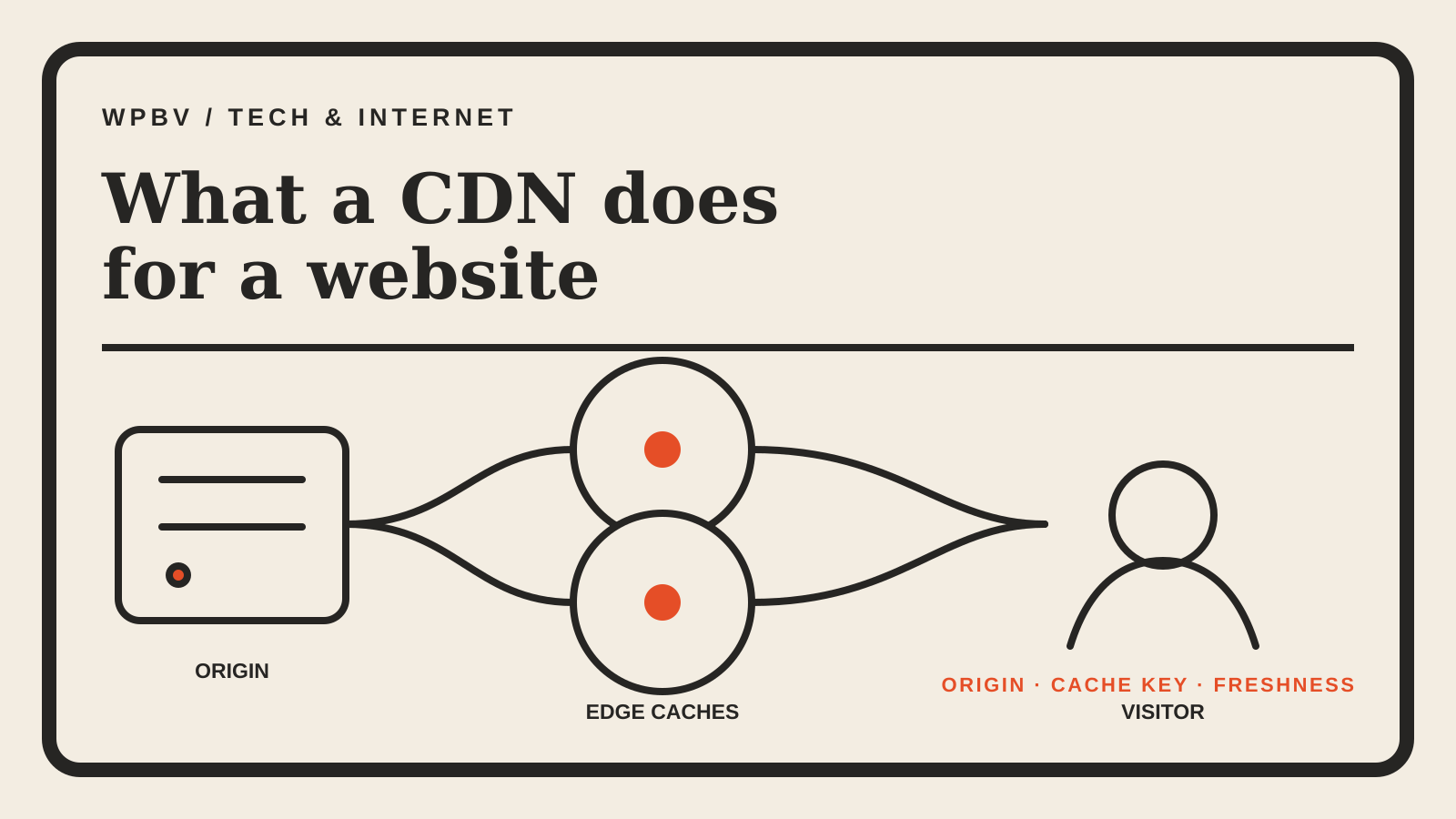
A content delivery network, or CDN, is a layer of servers between a website’s origin and its visitors. It keeps selected files closer to readers, so the origin does not have to send every image, stylesheet or script across the full distance on every request.
That sounds simple, but the useful questions are practical: what is actually cached, what still comes from the origin, and what can go stale?
The route from visitor to edge to origin
Without a CDN, a browser asks the site’s origin server for each resource. Physical distance adds network round trips, and every request consumes origin capacity.
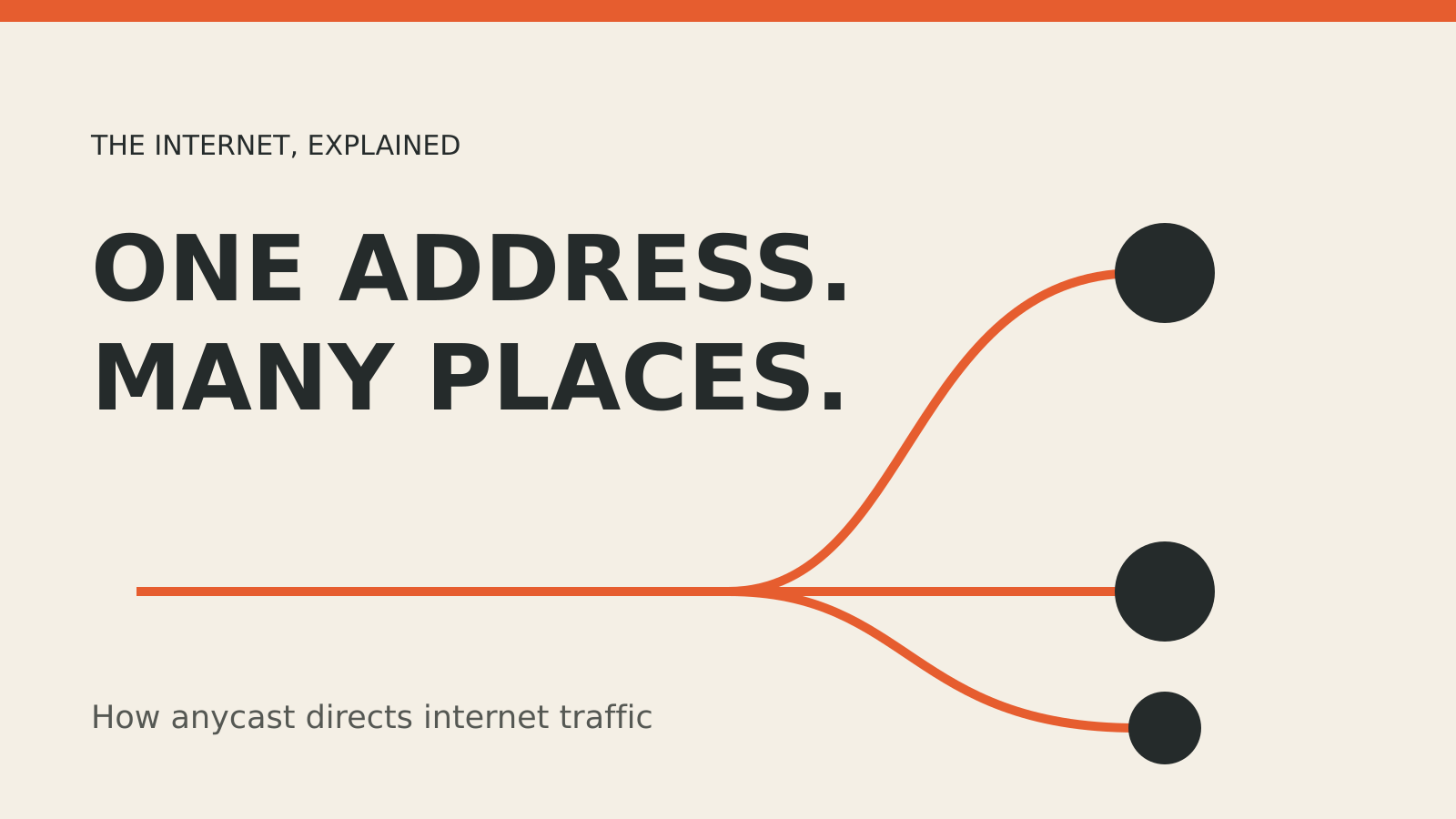
With a CDN, DNS directs the request to a point of presence, usually chosen for low latency. The edge server checks its cache:
- On a cache hit, it already has a valid copy and returns it.
- On a cache miss, it asks the origin, or another cache layer, for the object.
- The response is sent to the visitor and may be stored for later requests.
AWS’s CloudFront documentation describes that sequence. It also documents a regional cache layer between many edge locations and the origin. The extra layer can reduce repeated origin fetches when an object is not popular enough to remain in every local cache.
A CDN does not replace web hosting. The origin remains the authoritative place where the application and original files live. Cloudflare’s CDN overview makes the same distinction: the host stores the originals; the CDN makes selected content easier to reach.
What a CDN normally caches
Static files are the easiest candidates:
- images, fonts and downloadable files;
- CSS and JavaScript bundles;
- video segments;
- HTML pages whose output is the same for many visitors.
Dynamic pages need more care. A checkout, account dashboard or personalised feed may contain data for one visitor. Some CDNs can run code or cache parts of those responses, but the cache rules must vary the stored object by the right headers, cookies or query parameters. A broad rule can serve the wrong version to the wrong person.
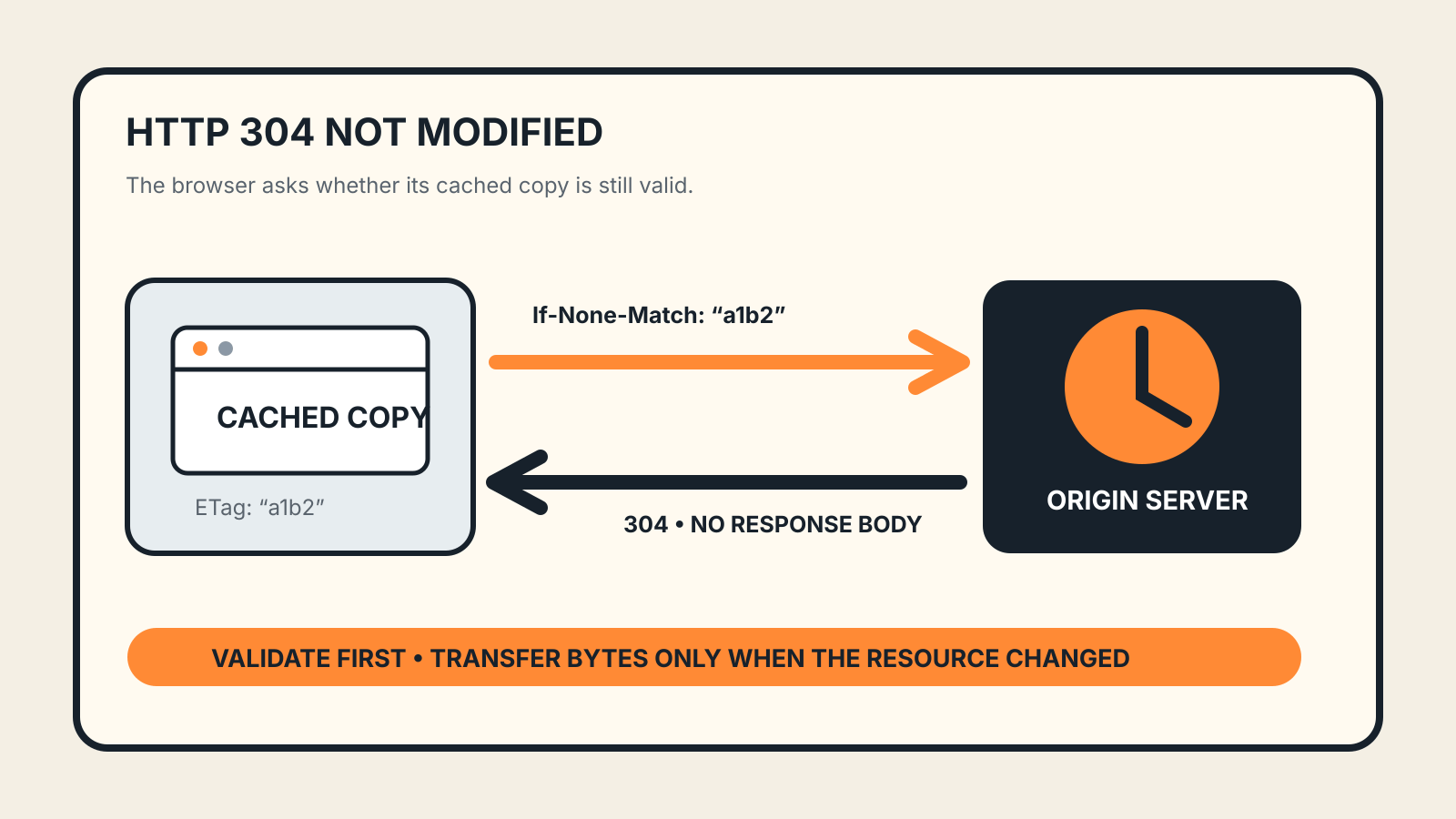
The origin tells caches how long an object may stay fresh through HTTP response headers. Cloudflare’s caching explainer describes the time to live, or TTL, as the interval before a cached copy expires. A site owner can also purge or invalidate an object before that point. AWS notes that a CloudFront invalidation removes an object from both point-of-presence and regional caches, so the next request goes back for a fresh copy.
What speed improvement actually comes from
The most visible gain is shorter network distance. A reader in Singapore does not need every cacheable file to make a round trip to an origin in Virginia if a nearby edge already holds it.
There are two other gains:
- Fewer origin requests. Cache hits keep repeated work away from the server that runs the site.
- Connection reuse. A nearby edge can handle TLS and maintain efficient links upstream.
The result is not automatic. A low cache-hit ratio means many requests still reach the origin. Short TTLs, highly personalised URLs and unnecessary query-string variants can all fragment the cache. Test the site from the regions that matter, then check the CDN’s hit, miss and error metrics instead of assuming a map of edge locations guarantees a faster page.
What a CDN cannot fix
A CDN cannot compensate for every slow component.
If the HTML waits on a slow database query, caching images will not remove that delay. If a page ships several megabytes of JavaScript, the edge may deliver the bundle quickly while the browser still needs time to parse and run it. Third-party scripts, oversized media and render-blocking CSS remain front-end problems.
A CDN is also not a complete outage plan. Cached static files may keep working during an origin incident, but uncached pages and application writes can still fail. Our guide to availability zones and failure boundaries explains why redundancy needs to exist behind the edge too. The outage tracker records provider incidents from their own post-incident reports.
Security benefits, with limits
Because a CDN sits in front of the origin, it can absorb or filter traffic before it reaches the application. Providers may add DDoS mitigation, a web application firewall and managed TLS. Those are useful controls, but they do not repair vulnerable application code or weak access controls.
Protect the origin as well. If attackers can reach its address directly, they may bypass edge controls. Only the CDN should be allowed to connect where the architecture permits it, and administrative endpoints need their own authentication and network restrictions.
A small-site checklist
Before enabling a CDN, write down the job it should do.
- Choose the origin. Confirm whether it is a web server, object store or hosting platform.
- Start with static assets. Cache images, fonts, CSS and versioned JavaScript before attempting personalised HTML.
- Set sensible cache headers. Give fingerprinted files long lifetimes; keep changeable documents shorter.
- Plan invalidation. Know how a corrected page or replaced image reaches readers before its TTL expires.
- Keep cache keys controlled. Include only the cookies, headers and query parameters that genuinely create a different response.
- Test a miss and a hit. Inspect response headers and confirm the second request is served as expected.
- Monitor the origin. A rising miss rate can turn a traffic spike into an origin overload.
- Test failure. Check what readers see when the origin is unavailable, not only when everything is healthy.
The aim is not to cache everything. It is to keep reusable content close to visitors without losing control of freshness, privacy or the path back to the origin.