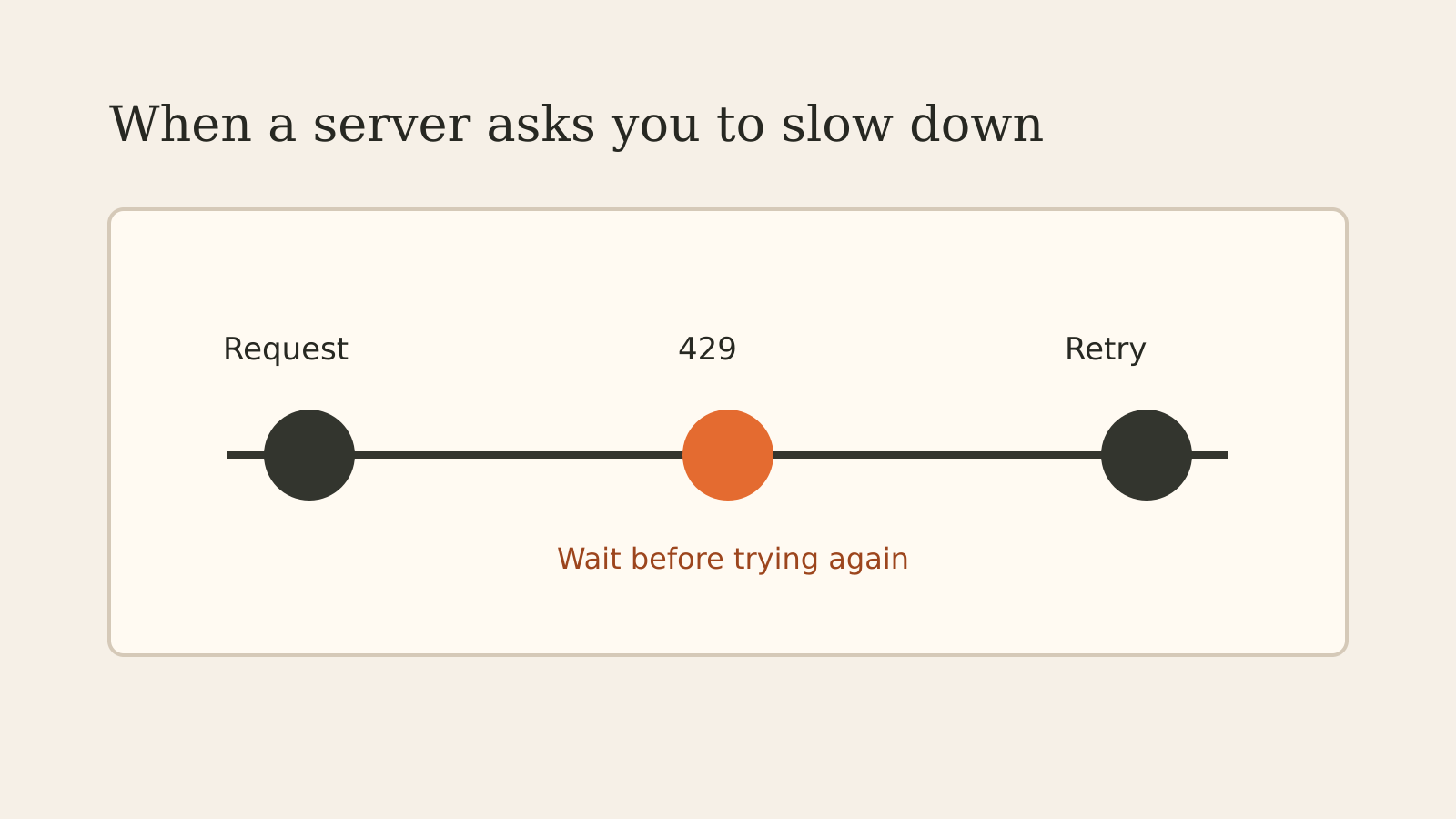
An HTTP 429 response means the client has sent too many requests in a period of time. A site or service is asking the caller to slow down. The response does not, by itself, establish that the whole website is offline or that the same limit applies to everyone.
You may see a “Too Many Requests” message in a browser or an API response. The next step is to stop repeated requests, look for instructions in the response, and retry only after the indicated wait.
What a 429 response tells you
The HTTP specification calls this rate limiting. A server can count requests in different ways: by a user account, a credential, a cookie, a resource or across a server. RFC 6585, which defines status 429, does not prescribe one identification or counting method.
That flexibility explains why one account can be limited while another can still use a service. A 429 also does not tell you the exact number of requests allowed unless the service supplies that information separately. Consult the provider’s documentation for its own limits and rules.
A rate limit is different from an internet connection failure. In this case an HTTP response reached the client and reported a request-rate condition. Other problems can happen at the same time, but the status alone does not prove them.
What Retry-After means
A server may include a Retry-After response header with a 429. The header tells the client how long to wait before another request. It is optional, so a 429 without it is still a valid response.
The value can be a number of seconds or an HTTP date. For example, a server might send:
HTTP/1.1 429 Too Many Requests
Retry-After: 60
In this illustration, the server asks the client to wait 60 seconds after receiving the response. It is an example, not a published limit for any particular service. MDN’s Retry-After reference explains both forms of the header.
A response can also contain a message explaining the condition. Read it alongside the provider’s documentation; do not invent a quota or reset time when neither is supplied.
If you see the error in a browser
Pause before refreshing repeatedly. If the page provides a wait time, follow it. If it does not, give the service time and check its help page for any relevant limits.
If the error persists, note the time, the page and the exact message before contacting the service’s support team. Avoid sharing passwords or other sensitive account details in that report. A single 429 is not enough evidence to say the service is down for everyone.
If an application receives 429
A client that immediately sends the same request again can add more load and remain limited. A practical retry policy should respect an available Retry-After, limit the number of attempts, and make the failure visible when it cannot proceed.
Also look for the source of the request volume. A polling job, several workers acting together or an accidental loop can exceed a shared limit even when each individual component looks modest. The server may count those calls under the same account or other identifier.
For operations that change data, a timeout or failed response needs more care than a simple page read. Check the provider’s documented retry and duplicate-prevention rules before sending a new operation. A generic retry loop cannot establish whether a previous operation completed.
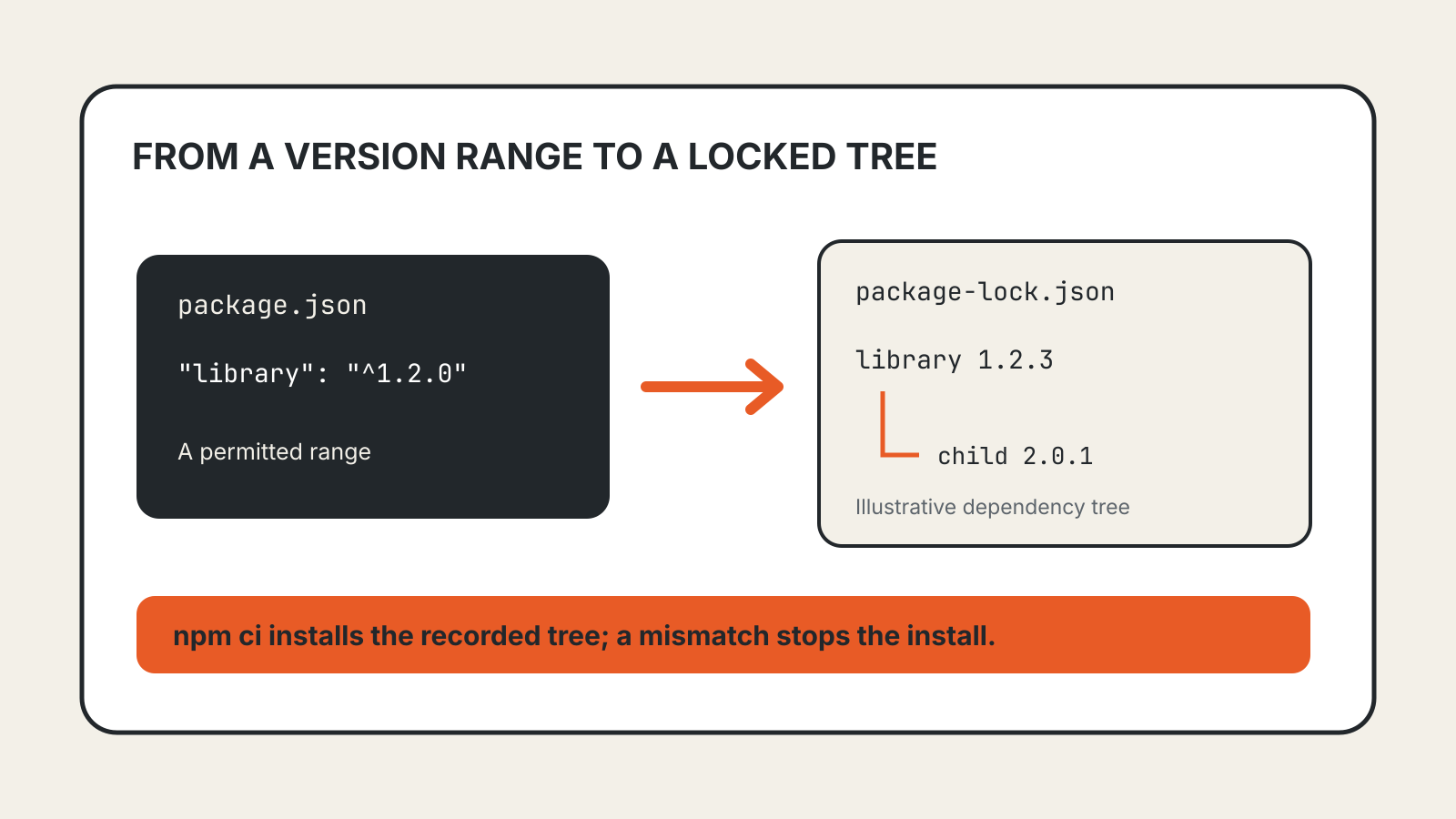
A separate lock file explainer covers a different reliability issue: keeping software dependency installations consistent.
429 versus 503
Both statuses can appear with Retry-After, but they describe different conditions. 429 says the client has sent too many requests in a period. 503 Service Unavailable indicates that the service is temporarily unavailable; the header can indicate how long that condition is expected to last.
Treat the actual response and the service’s instructions as the starting point. A wait time in one response does not establish a permanent rate limit or a diagnosis for another incident.