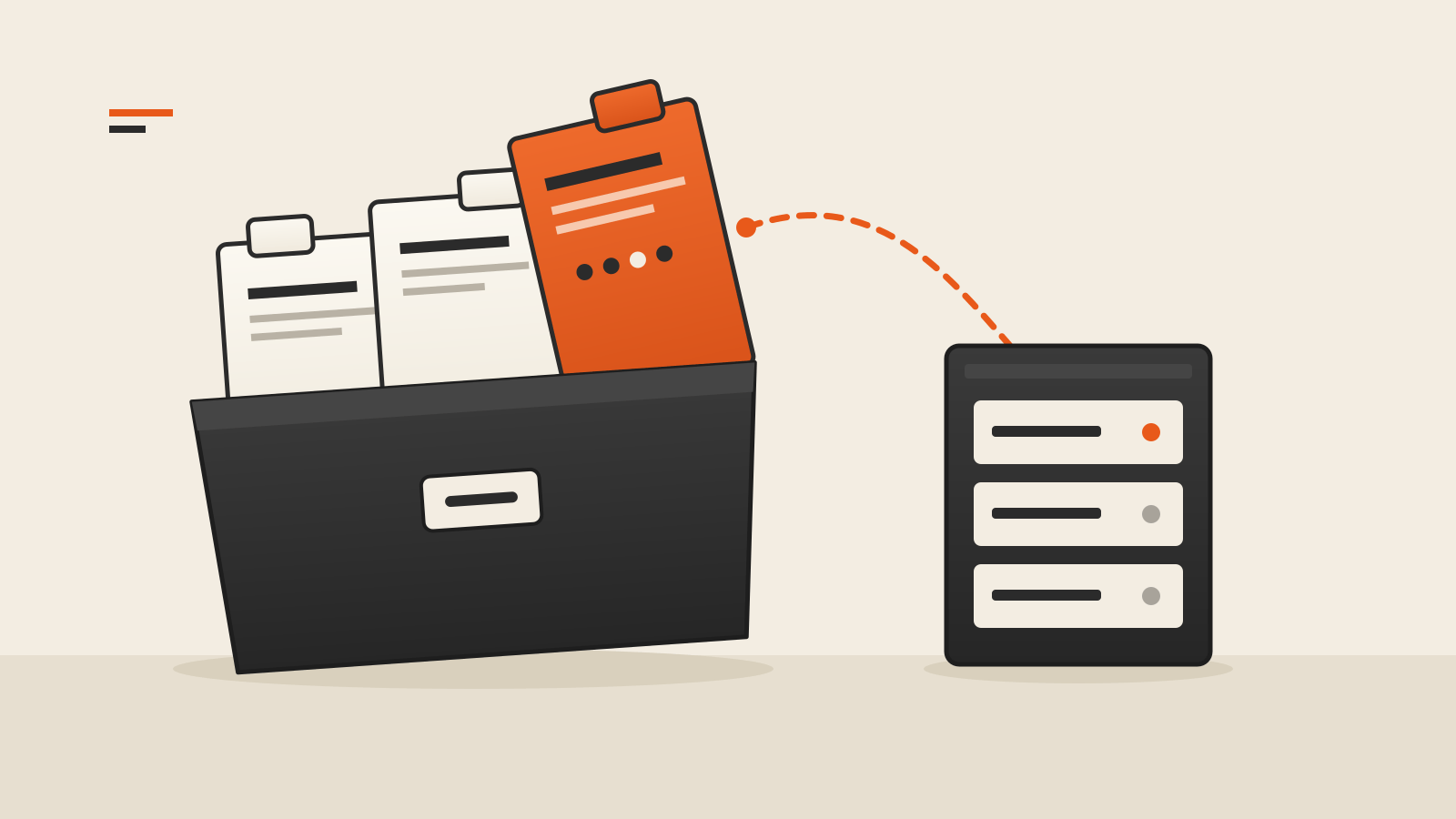
How DNS works: a name goes to a resolver, which asks where a site is and sends its IP address back to your own device.
The Domain Name System is a distributed directory. A resolver follows referrals from root servers to a top-level domain and then to the domain’s authoritative servers, unless it already has a cached answer. Failures in that chain can make a healthy website unreachable, as several provider incident reports show.
What DNS does
Computers on the internet reach each other by IP address, such as 198.41.0.4. People and software use names, such as www.example.com. DNS is the distributed database that maps one to the other. Its design is set out in RFC 1034, published in 1987 and still the base document, which describes the system as a tree of names in which each branch can be run by a different organization.
That split is the point. No single company holds every record. The operator of a domain publishes its own records on its own name servers, and everyone else learns where those servers are by asking down the tree.
A lookup, step by step
When your laptop needs the address of www.example.com, four kinds of servers can be involved.
- The stub resolver on your device. It does not look anything up itself. It forwards the question to a recursive resolver, usually one run by your internet provider, your company network or a public service.
- The recursive resolver. It does the legwork. If it has no saved answer, it starts at the top of the tree.
- The root servers. They do not know where www.example.com is, but they know which servers handle .com. IANA’s root servers page lists 13 named root authorities, run by 12 organizations, and notes that behind those 13 names sit hundreds of servers in many countries.
- The top-level domain and authoritative servers. The .com servers point to the name servers for example.com, and those authoritative servers give the final answer: the address record for www.
The resolver hands the answer back to your device, which then connects to the address. All of this normally takes a fraction of a second, and most of the time it is shorter still, because of caching.
Caching, and the TTL behind it
Every DNS record carries a time to live (TTL), set by whoever publishes it. RFC 1034 describes it as the time limit for how long a record may be kept in a cache before it should be discarded. A resolver that has already looked up www.example.com reuses the answer until the TTL runs out, without asking the root, .com or the authoritative servers again.
Caching makes DNS fast and keeps the root servers from being flooded. It also explains two things people notice during incidents:
- Changes are not instant. If a site moves to a new address, resolvers that cached the old record keep using it until the TTL expires.
- Failures are uneven. When an authoritative server stops answering, users whose resolver still holds a cached answer can keep working for a while, while others fail at once. Negative answers are cached too: RFC 2308 lets resolvers remember that a name does not exist, so a brief mistake can linger after it is fixed.
Three ways DNS breaks
“It’s DNS” covers several different failures. Three incidents in our outage archive, each described in the provider’s own report, show the main patterns.
The authoritative servers become unreachable. On October 4, 2021, Meta’s backbone network was disconnected during maintenance. Meta’s engineering post explains that its DNS servers are built to stop advertising their routes when they cannot reach Meta’s data centers, as a health signal. With the backbone gone, they all did, and “our DNS servers became unreachable even though they were still operational.” The rest of the internet could no longer find Facebook’s addresses. Our entry on the Meta outage of October 2021 has the timeline; the routing side, BGP, is a separate system that DNS depends on.
The records themselves are wrong or empty. In AWS’s us-east-1 region in October 2025, the trigger was inside DNS data. AWS’s post-event summary says a latent race condition in DynamoDB’s automated DNS management left an empty DNS record for the service’s regional endpoint, which the automation then failed to repair. The servers answered, but with nothing usable, so applications and other AWS services could not open new connections to DynamoDB. See the AWS outage of October 2025 for what followed.
The resolver people use goes away. On July 14, 2025, Cloudflare’s public 1.1.1.1 resolver stopped answering worldwide. Cloudflare’s incident report traces it to a configuration error that withdrew the resolver’s address prefixes from its data centers, and notes that for many users “basically all Internet services were unavailable.” Every website’s records were intact, but devices set to use that resolver could not look any of them up. The Cloudflare outage of July 2025 entry has the details.
The first two are failures on the publishing side and hit everyone looking for that domain. The third is on the asking side and hits only the people who use that resolver, which is why some users see a site and others do not.
Why DNS sits under so many outages
Large services lean on DNS for more than a website’s front door. AWS’s report says many of its largest services use DNS to distribute traffic, isolate failures and route requests to suitable capacity, and that DynamoDB alone maintains hundreds of thousands of DNS records for its load balancers. Records change constantly as capacity is added or removed, usually by automation. That makes DNS a shared dependency: when it fails, every service that resolves through it fails together, even if the services themselves are healthy. Our explainer on why one cloud outage can break unrelated apps follows that pattern further.
The Meta case adds another lesson. Its post says the loss of DNS “broke many of the internal tools” its engineers would normally use to fix outages, so recovery itself slowed down.
Is it DNS, or something else?
When a site fails to load, a few checks narrow the cause:
- Look at the error. Browsers usually report a failed name lookup with a message such as “server not found” or a code mentioning DNS or name resolution. A 5xx response usually means a server was reached; a timeout alone does not identify which stage failed.
- Try another site. If nothing resolves, the problem is more likely your resolver or connection than one company’s records.
- Try another resolver. Switching between your provider’s resolver and a public one is a quick test. If the site works through one and not the other, the fault is on the asking side.
- Check the provider’s own status page. It will lag the problem, for reasons our guide on status pages during an outage explains, but it is the first place a provider confirms a DNS issue.