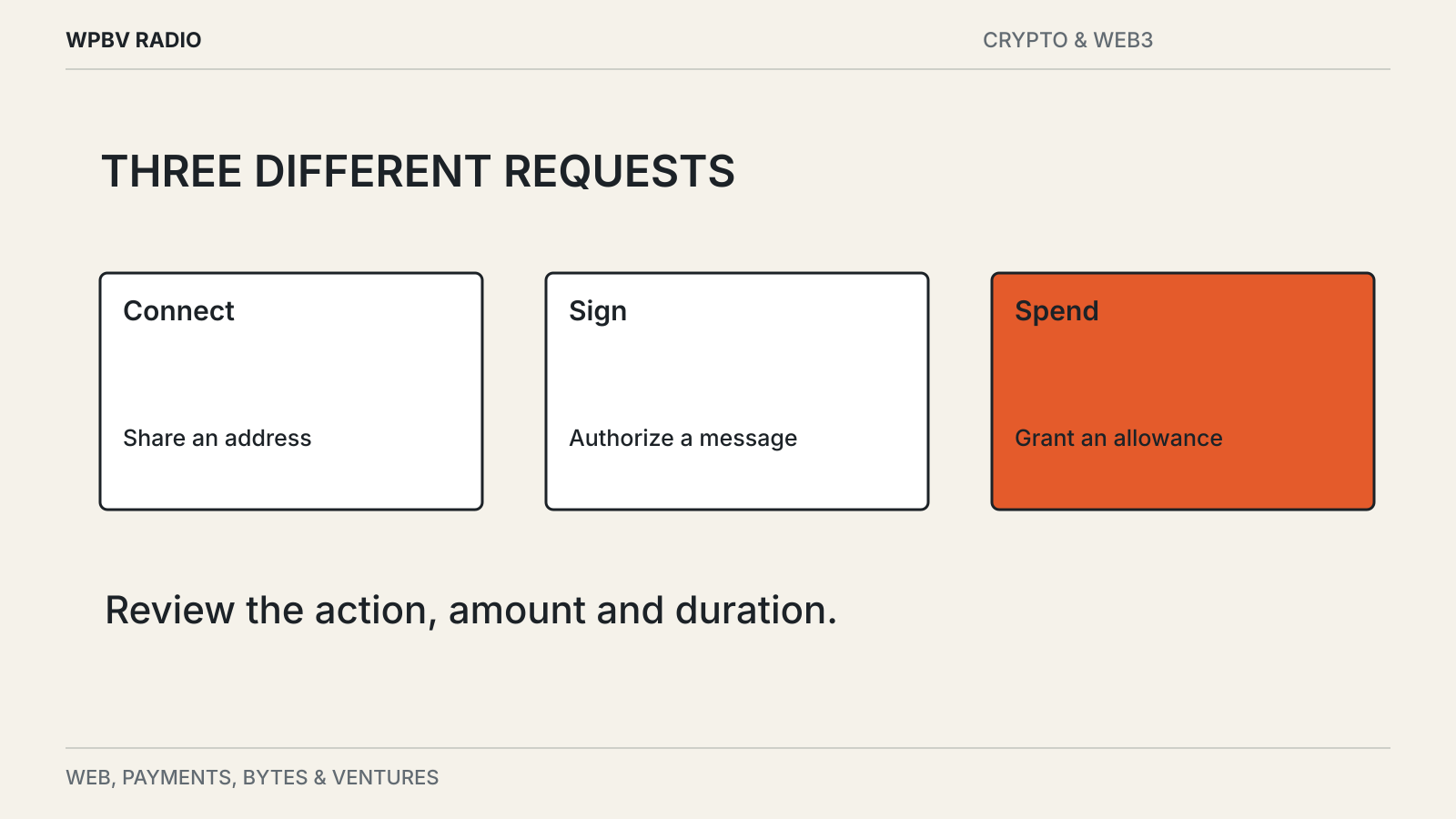
A website asks you to connect a wallet. A popup appears, then another one asks for a signature. A third mentions a token allowance. It is easy to treat the sequence as a single login.
The requests can do very different jobs. One may reveal an address, another prove control of an account, and another authorize an application to move assets. Read each request as a separate decision.
A connection identifies the account
In a basic connection flow, the wallet shares approved account information with the application and establishes a way for the app to request further actions. Sharing an address also lets the app inspect public activity associated with it.
That connection is not, by itself, a universal permission to spend every asset. But modern wallets support more than one permission model, so do not assume every “connect” screen has the same scope.
MetaMask’s connection documentation describes account access and cross-device sessions. Its advanced-permission guide also describes flows where an app proposes spending permissions before the ordinary connection step. The order of the popups is therefore not a reliable measure of their consequences.
A signature can carry authority
Signing a message may prove that you control an account. It can also authorize something more consequential, depending on the message and protocol.
The absence of a network fee does not make a signature harmless. A signed instruction may be used later by another party. Review the application, domain, network and requested action, together with any amount, recipient, expiry or permission shown.
If the wallet cannot explain what is being signed in a form you understand, pause. A familiar brand name on the web page is not enough; the request itself needs to match the action you intended.
Spending permissions can outlive the visit
A token approval can allow a designated contract to spend a particular token up to an allowance. An application may request a large or unlimited allowance to avoid repeated approvals. That convenience increases the exposure if the spender is malicious or later compromised.
Other permission systems add recurring limits or expiration times. MetaMask’s advanced-permission documentation gives examples of amount limits, periods and expiry, while noting that support depends on the application.
For a hypothetical recurring payment, “$10 a day” and “$10 total” are different permissions. Read both the periodic limit and the overall exposure. An expiry can bound the duration, but it does not make an incorrect recipient or excessive allowance acceptable.
Disconnecting and revoking are different actions
Closing the browser tab ends your visit. Disconnecting a site can remove the wallet’s session with it. Neither should be assumed to cancel every authorization already recorded elsewhere.
Review active token approvals and other permissions through the wallet’s documented controls. Some revocations require an on-chain transaction and a network fee. Different networks and permission systems may need separate checks.
Do not follow a random “revoke now” link sent in a direct message. Open the wallet or a known service through a trusted route. A fake cleanup tool can ask for a new harmful signature while claiming to remove an old one.
Check the request against the task
Before approving, finish this sentence: “I am allowing this application to do ___ with ___ until ___.” If you cannot fill in the important parts, more information is needed.
Use an account with limited funds for an unfamiliar application, where that is compatible with your needs. This limits exposure; it does not establish that the application is safe.
If the terms address, key and network are still confusing, start with how a crypto wallet works. Permission screens become easier to interpret when those parts are distinct.