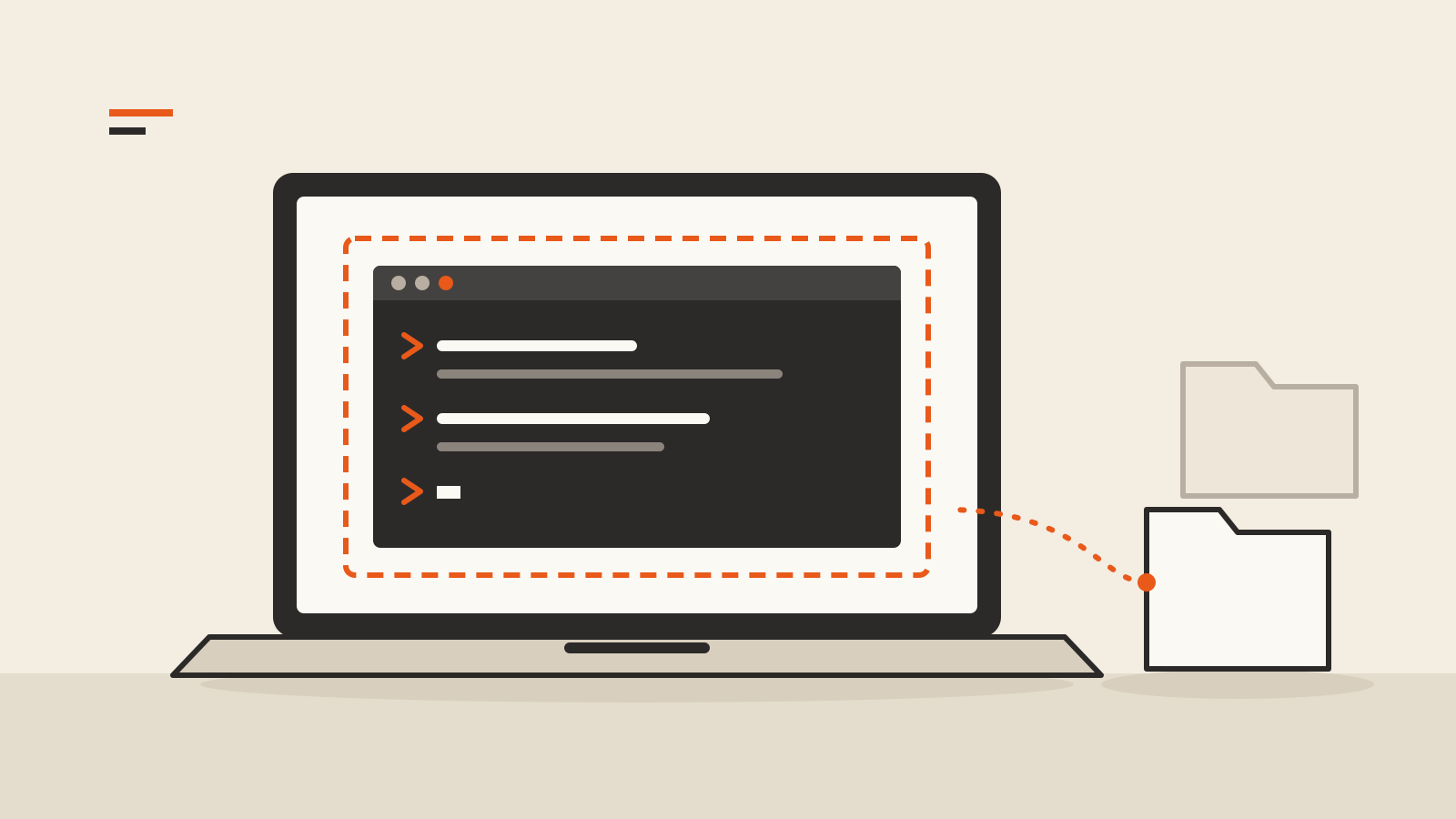
Google released a preview of a Linux terminal for Googlebook on October 12, pitched first at people who want AI agents to work on their laptop. Every command in the Googlebook Linux terminal runs inside a Debian virtual machine, so a user can give an agent administrator rights inside that machine without handing it the rest of the device.
The details come from the Android Developers Blog announcement by Cyrus Stoller, group product manager for laptops and tablets. Google’s argument is that agents increasingly do their work at a command line, installing packages, writing files and building apps from plain-language prompts, and that a terminal is now useful even to people who do not think of themselves as programmers.
The VM is the security boundary
The design choice that matters is where the agent runs. Google says all terminal commands run entirely inside the Linux VM, which acts as an isolated sandbox. That lets a user grant sudo privileges to agentic tools such as Google’s Antigravity, which lean heavily on command-line tools, while limiting the chance that the agent corrupts the system or reaches private files.
Three details define that boundary in the announcement:
- Folders are shared one at a time. A directory on the laptop is mounted into the VM only after the user explicitly allows it.
- The host stays separate. Google says the VM boundary helps protect the host operating system and any files that are not mounted.
- Reset is one click. The VM can be wiped back to a clean state while files kept on the host file system survive, which Google presents as a way to experiment without much risk.
That is a narrower promise than “the agent is safe.” A folder the user does mount is available to whatever runs in the VM, including an agent with root inside it. Anyone who connects an agent to a project folder is still trusting it with that folder, much as a browser extension is trusted with whatever sites its permissions cover.
What the terminal includes
The preview is a Debian environment with the usual developer tools, including apt, git and ssh, plus common compilers and runtimes. Google lists Node.js, Python, Ruby, Go and Rust. Ports opened on localhost inside the VM are forwarded automatically to the laptop’s browser, so a web app started in the terminal can be opened directly. Users can change how much memory the VM gets.
Linux files also appear in the Googlebook Files app, alongside local folders and files synced from an Android phone. Google says its own engineers have used Googlebooks to build a Linux kernel.
What is still missing
This is a preview, and the roadmap in the post shows what it does not do yet:
- Linux apps with a graphical interface, integrated into the app launcher.
- USB passthrough and ADB over USB for debugging devices from the VM. Network passthrough and wireless ADB already work.
- Dynamic scaling of the VM’s memory and storage.
- GPU and NPU acceleration for heavier local workloads.
- A VM that persists separately from the terminal window, to better support long-running processes.
Google links the last item directly to “more demanding agentic workloads.” The post gives no dates for any of these additions.
For the trade-offs of running AI models on your own hardware rather than in the cloud, see our guide to running AI on your laptop.