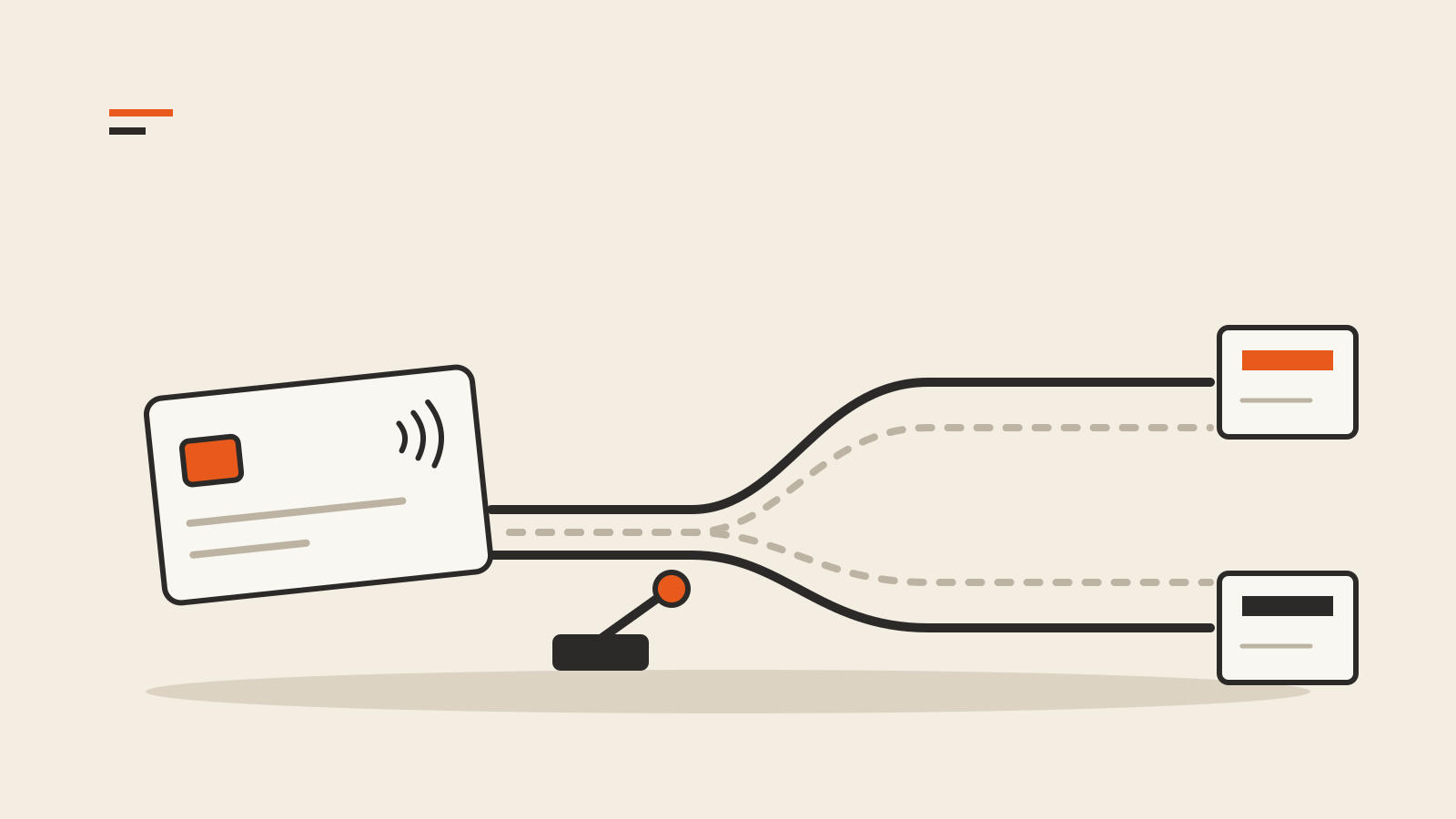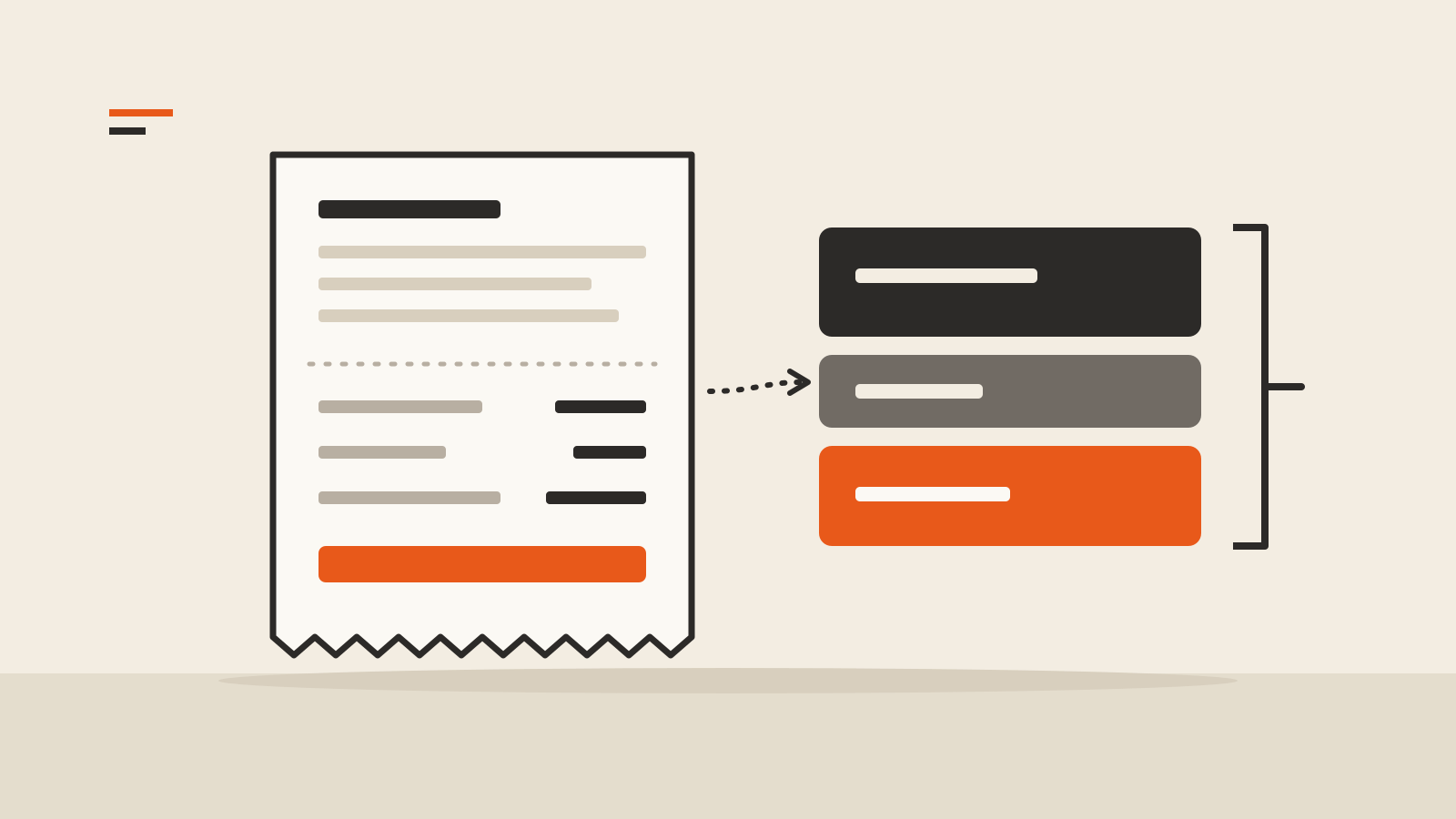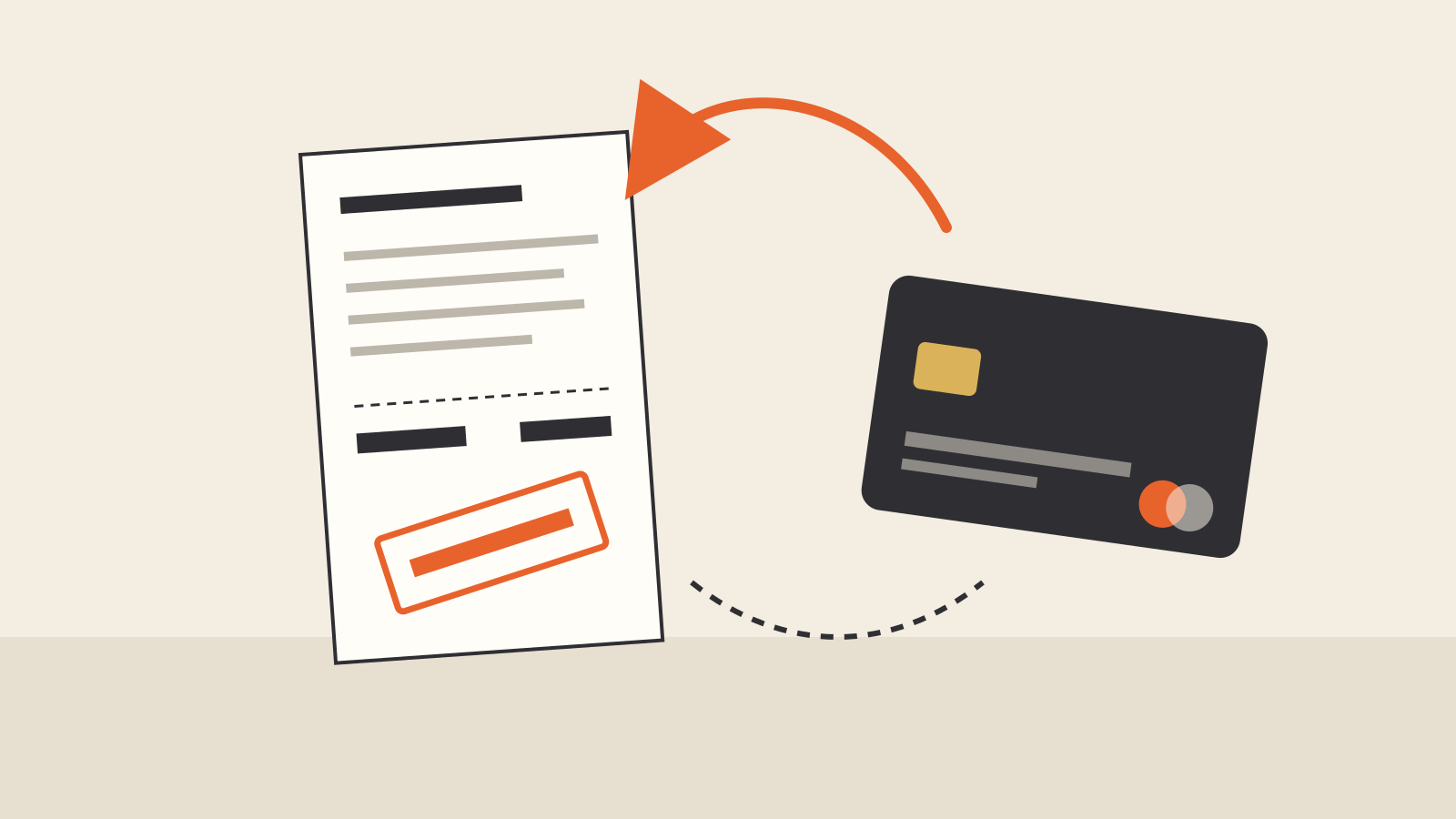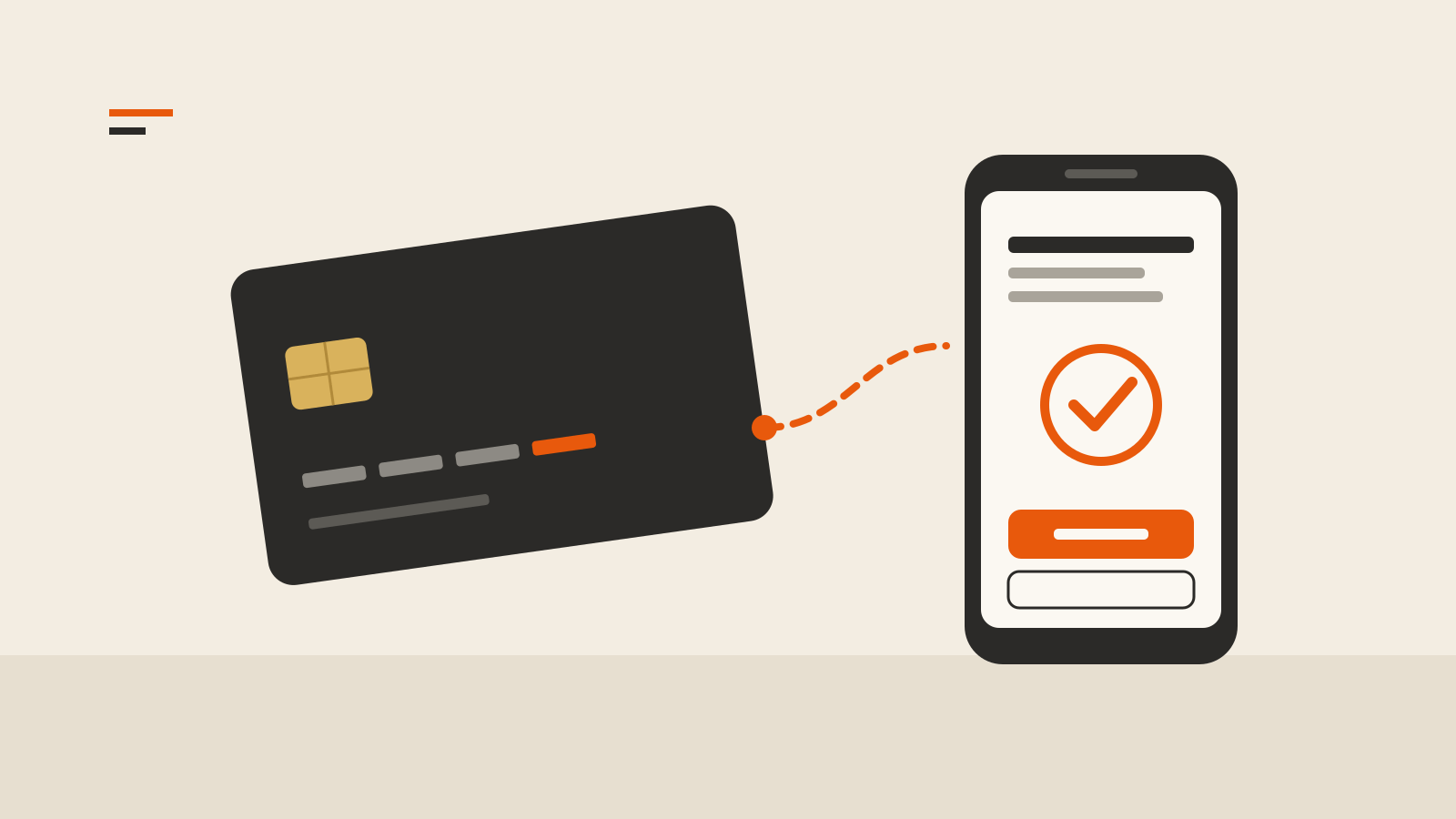
A shopper in Lyon enters her card details for a €140 order. Instead of a confirmation page, her banking app opens and asks her to approve €140 to the shop. The next day she pays €18 for a phone case elsewhere, and the order goes straight through. Both checkouts can run through 3D Secure; what changed was the bank’s decision. Here is 3D Secure explained from both sides of the checkout: the shopper who sees the prompt and the merchant who decides how to handle it.
What 3D Secure does
3D Secure, or 3DS, is a way for a merchant and the bank that issued a card to exchange data during an online purchase, so the bank can check that the person paying is the cardholder. The specifications are maintained by EMVCo, the card industry’s technical body. Its overview of EMV 3-D Secure describes the flow in three steps: the shopper pays, the merchant sends the issuer data “about the transaction, payment method and device,” and the issuer uses it to authenticate the shopper and approve the payment.
Shoppers rarely see the name. According to Stripe’s 3D Secure documentation, they meet it as Visa Secure, Mastercard Identity Check or American Express SafeKey, usually as a one-time code, a password or a fingerprint or face check in the bank’s app.
The current version is 3DS2. Stripe notes that major card brands no longer support 3D Secure 1, and EMVCo recommends version 2.2 or higher for the full set of features.
Frictionless or challenge: the bank decides
Most 3DS checks are invisible. EMVCo says that for many transactions “consumers simply click ‘Buy’ and the payment is approved.” This is the frictionless flow: the issuer looks at the data it received, sees nothing unusual and approves without asking the shopper anything.
When the issuer sees more risk, it asks for a challenge, the extra step the shopper in Lyon met. EMVCo lists one-time passcodes, knowledge-based questions and biometrics as typical methods. The screen belongs to the bank, not the shop. Stripe’s guide to the authentication flow says merchants cannot restyle it, because “the bank that issued the card controls the fonts and colors.”
That split matters when a merchant tries to control the outcome. A payment provider can request 3DS, and Stripe lets a merchant ask for a frictionless or a challenge flow, but it cannot guarantee either: “the issuer determines the ultimate authentication flow.” Stripe starts 3DS when regulation requires it, such as Europe’s Strong Customer Authentication rules; when industry guidelines call for it, such as Japan’s Credit Card Security Guidelines; when an issuer asks for it with a soft decline; and when the merchant’s own fraud rules or API requests ask for it. Some payments cannot use 3DS at all, including wallet payments and charges made when the customer is not present.
Where the law requires it: Strong Customer Authentication
In the European Economic Area, 3DS is less a choice than a means of meeting the law. The second Payment Services Directive (PSD2) introduced Strong Customer Authentication, which Stripe says has applied since September 14, 2019. Stripe adds that similar rules exist in the UK, India, Japan and Australia, while elsewhere 3DS is optional.
The detailed rules are in Commission Delegated Regulation (EU) 2018/389. Article 4 requires two or more independent elements from three categories: knowledge (something only the user knows), possession (something only the user has) and inherence (something the user is). For remote payments, Article 5 adds what it calls dynamic linking: the payer must be shown the amount and the payee, the authentication code must be tied to both, and any change to either invalidates it. That is why the banking app in the opening example showed the shop’s name and the €140.
EMVCo notes that the European Banking Authority recognized, in an opinion of June 21, 2019, that protocols such as EMV 3DS give merchants and issuers a way to support Strong Customer Authentication.
Why the €18 payment went through
The same regulation lists exemptions. Two explain most of the payments that skip the prompt.
Low-value payments. Under Article 16, a remote payment of €30 or less can go through without strong authentication. The exemption has a counter: it stops once the payments since the last authentication add up to more than €100, or once there have been more than five of them in a row. After that, the next payment needs full authentication even if it is small. The €18 phone case could have qualified, while a shopper who makes a run of small purchases may still see a prompt partway through.
Transaction risk analysis. Article 18 lets a payment provider skip authentication for a payment its real-time monitoring rates as low risk, up to a ceiling set by the provider’s own fraud rate on remote card payments. The table in the regulation’s annex sets three levels:
| Payment up to | Provider’s fraud rate must be at or below |
|---|---|
| €100 | 0.13% |
| €250 | 0.06% |
| €500 | 0.01% |
The fraud rate is measured over a rolling 90 days and covers authenticated and exempted payments together (Article 19). The analysis must also find no warning signs, such as unusual spending, an unusual device, malware in the session, an abnormal location of the payer or a high-risk location of the payee.
Exemptions are requests, not guarantees. Stripe’s Strong Customer Authentication guide points out that “it’s ultimately the cardholder’s bank that decides whether or not to accept an exemption,” and a bank that refuses one returns a decline code; the payment then has to go back to the customer for authentication.
Who pays when a payment was fraud
For a merchant, the strongest reason to care about 3DS is the liability shift. Stripe’s authentication guide explains that when a payment has been successfully authenticated with 3DS and the cardholder later disputes it as fraud, “the liability typically shifts from you to the card issuer.” In practice the merchant usually stops receiving fraud chargebacks on those payments.
The shift depends on how the payment went through. Stripe’s SCA guide summarizes it:
- Challenge completed: the issuer carries fraud liability.
- Frictionless authentication, no exemption requested: the issuer carries it.
- Exemption applied: the business keeps it.
- No 3DS, or payment outside the rules’ scope: the business keeps it.
So every exemption is a trade. The customer has one less step, which can save a sale, but the merchant keeps the fraud risk on that payment.
The shift has limits. It covers fraud claims only; a dispute over goods that never arrived follows the normal process. Stripe says it may not apply to a merchant enrolled in a fraud monitoring program, and Visa does not offer it to some businesses, such as wire transfer and money order services. A merchant also has to answer inquiries on authenticated payments: if it ignores one, the issuer can raise a “no-reply” chargeback that “could invalidate the liability shift.” Our explainer on the chargeback fee covers what a lost dispute costs.
What a merchant should check
- Know who triggers 3DS on your account. On most providers it runs automatically where regulation requires it, and hosted checkouts such as Visa’s Unified Checkout, now coming to Barclaycard merchants, can call it as part of the payment flow. Outside Europe, decide whether to request it on riskier orders through your provider’s fraud rules.
- Plan for refused exemptions. A payment declined for missing authentication has to go back to the customer. That is simple during checkout and harder for a charge made later, when the customer has to return to your site or app.
- Weigh exemptions against your fraud rate. Fewer prompts can mean fewer abandoned carts. On exempted payments, the fraud risk stays with you.
- Keep 3DS data with each order. Stripe returns an Electronic Commerce Indicator with the authentication result; it is part of the evidence if a fraud dispute arrives anyway.
For the shopper, the advice is shorter. Read the amount and the payee on the bank’s screen before approving. Because of dynamic linking, they should match what you just bought. If a prompt arrives for a purchase you did not make, decline it.
The cost of authentication is separate from the fee for the payment itself. To see what standard processing adds to an online card payment, use our payment fee calculator, and for how that fee is split between banks and networks, see our explainer on the interchange fee.