Pylance, Microsoft’s Python extension for Visual Studio Code, can now use Meta’s Pyrefly as its type checker in place of Pyright. Microsoft announced the change on October 21, 2026, together with the Type Server Protocol (TSP), an open standard that separates the editor features from the engine that checks types.
In the announcement on the Microsoft for Python Developers blog, Brett Cannon, a principal software engineering manager at Microsoft, says the two companies designed and implemented TSP together and that Pyrefly fully supports it.
What the Type Server Protocol changes
Until now, Pylance and Pyright were tightly coupled: the type checker and the editor intelligence came as one piece. TSP extends the Language Server Protocol, the standard most editors use to talk to language tools, so that any editor or tool can plug in a type checker as a backend.
Under the new arrangement, Pylance is the editor layer in VS Code, and the type checker becomes an interchangeable component underneath it. According to Microsoft, these stay the same whichever checker is selected:
- completions and Quick Info;
- Python environment management;
- the integration with GitHub Copilot, including context for AI completions and Copilot Chat.
Pyright remains the default. Microsoft says it continues to power the experience for the vast majority of users.
Why Pyrefly
Pyrefly is Meta’s type checker for Python. Microsoft’s post says it checks code at 1.8 million lines per second and was built to behave the same way in continuous integration and in the editor. That speed figure is the vendors’ own, not the result of an independent test.
Pyrefly already has its own VS Code extension. Microsoft’s argument for running it through Pylance instead is that the standalone extension cannot reproduce Pylance’s Copilot integration and other tooling. With TSP, Pyrefly supplies the diagnostics and Pylance supplies the rest.
How to switch
Microsoft’s post lists these steps:
- Use Pylance 2026.4.1 or newer.
- Either accept the prompt Pylance shows when it finds Pyrefly in your environment (installed in the virtual environment, or signaled by a
pyrefly.tomlfile or atool.pyreflysection inpyproject.toml), or open Settings and set Python › Analysis: Diagnostics Source to Pylance + Pyrefly. - Optionally pin a Pyrefly version, or point to a local executable, with Python › Analysis: Pyrefly Version. The minimum supported version is 0.60.0; leaving it empty uses the latest.
The status bar then shows Diagnostics Source: Pylance + Pyrefly, and the choice can be reverted in Settings. The setting’s other options are Pylance, the default, and Pylance + Pyright.
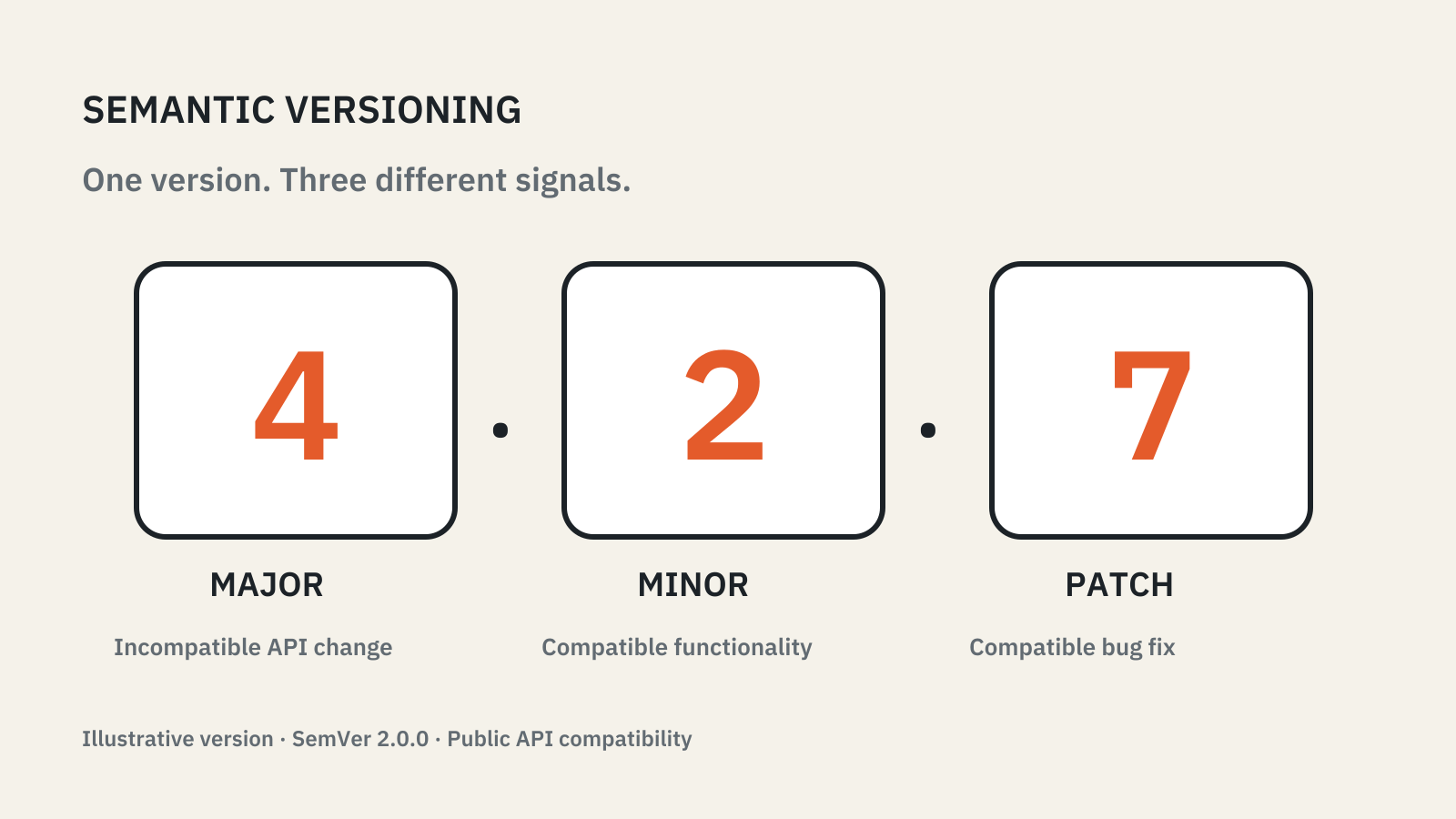
Pinning a tool version is a habit worth keeping for any checker that gates a build; our semantic versioning explainer covers what a version number does and does not promise.